Changelog

New features, improvements and fixes in Affitor.

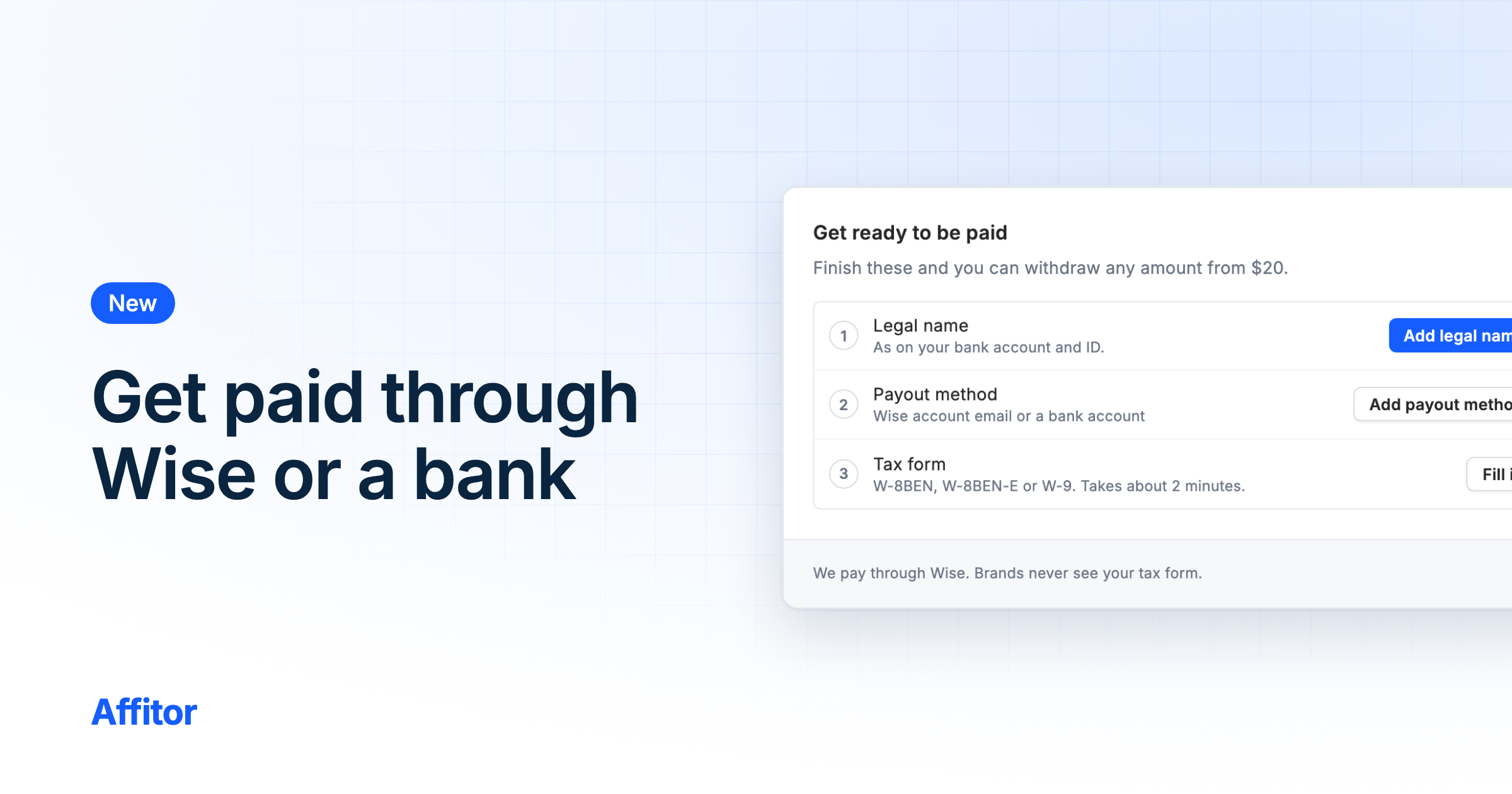
A Payout fee note, Affitor fee in Withdraw, and tighter access

Payout and Withdraw now say where Wise and bank fees come out, and we tightened access for AI agents on programs and for chat attachments.

Digest
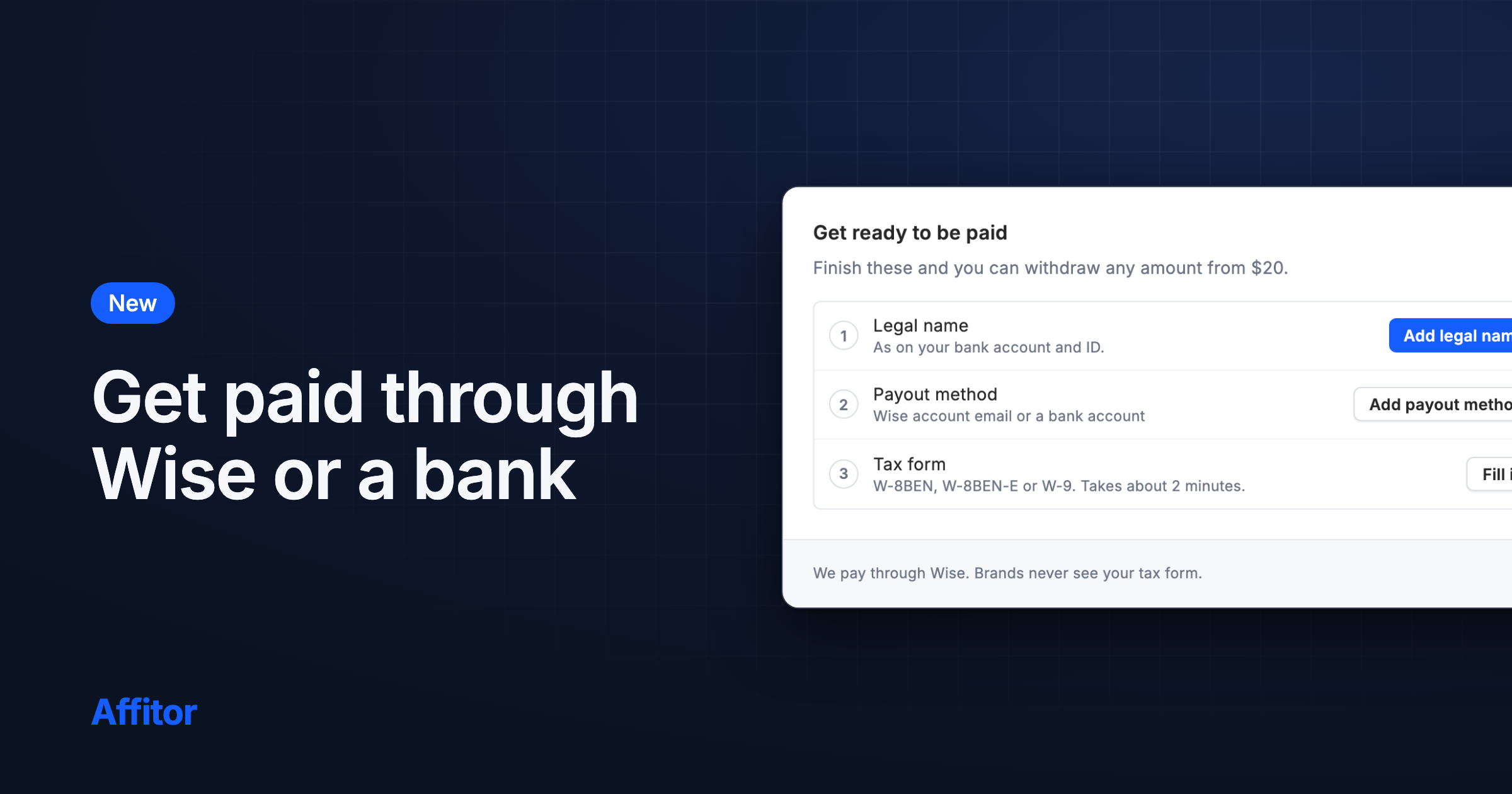
  • The Payout page says that Wise and bank fees, and any currency conversion, come out of the amount you receive.
  • Withdraw shows Affitor fee and Amount sent before you confirm, with the same note under them.
  • We tightened access for AI agents connected to a program and for chat attachments.
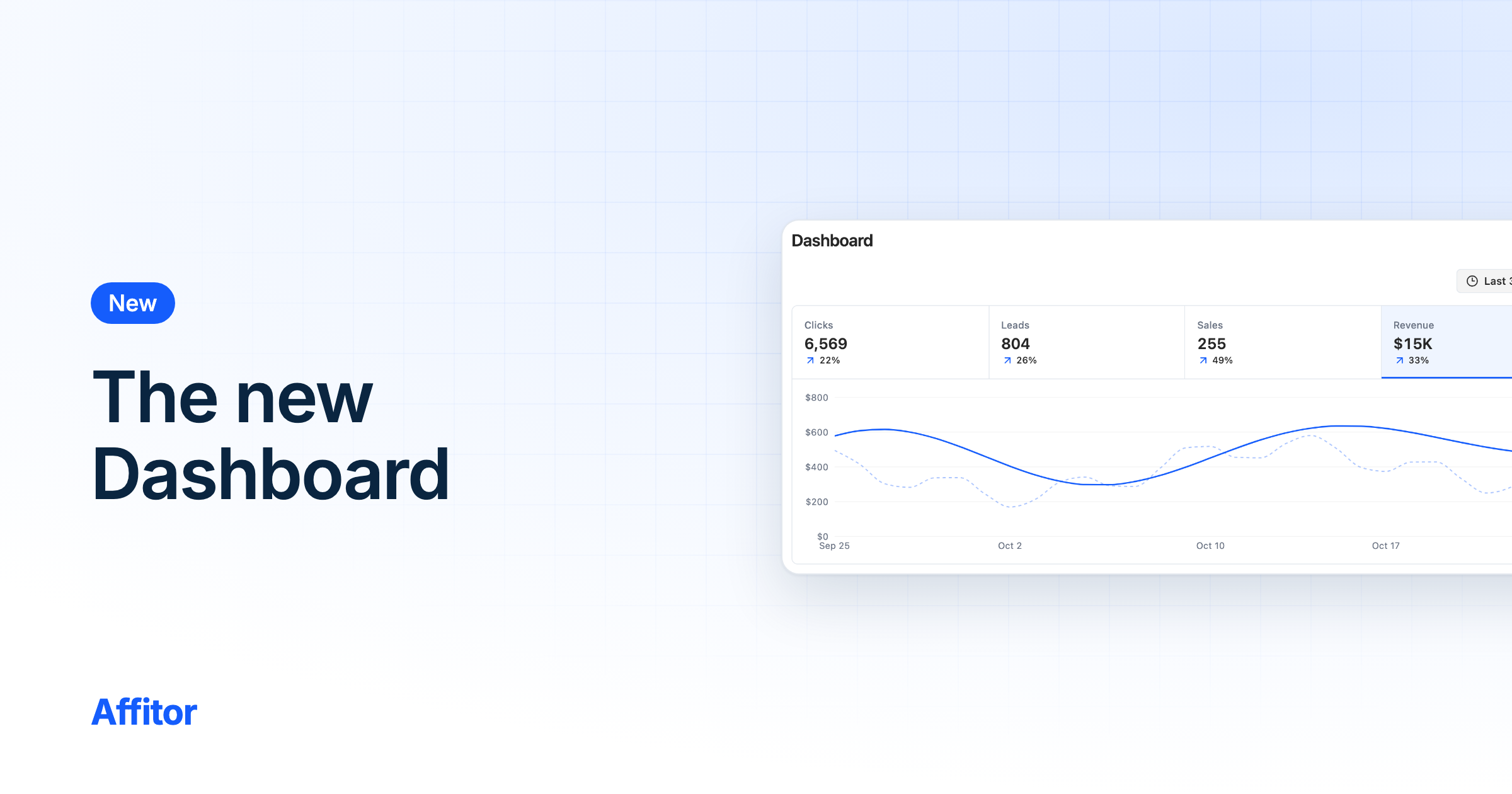
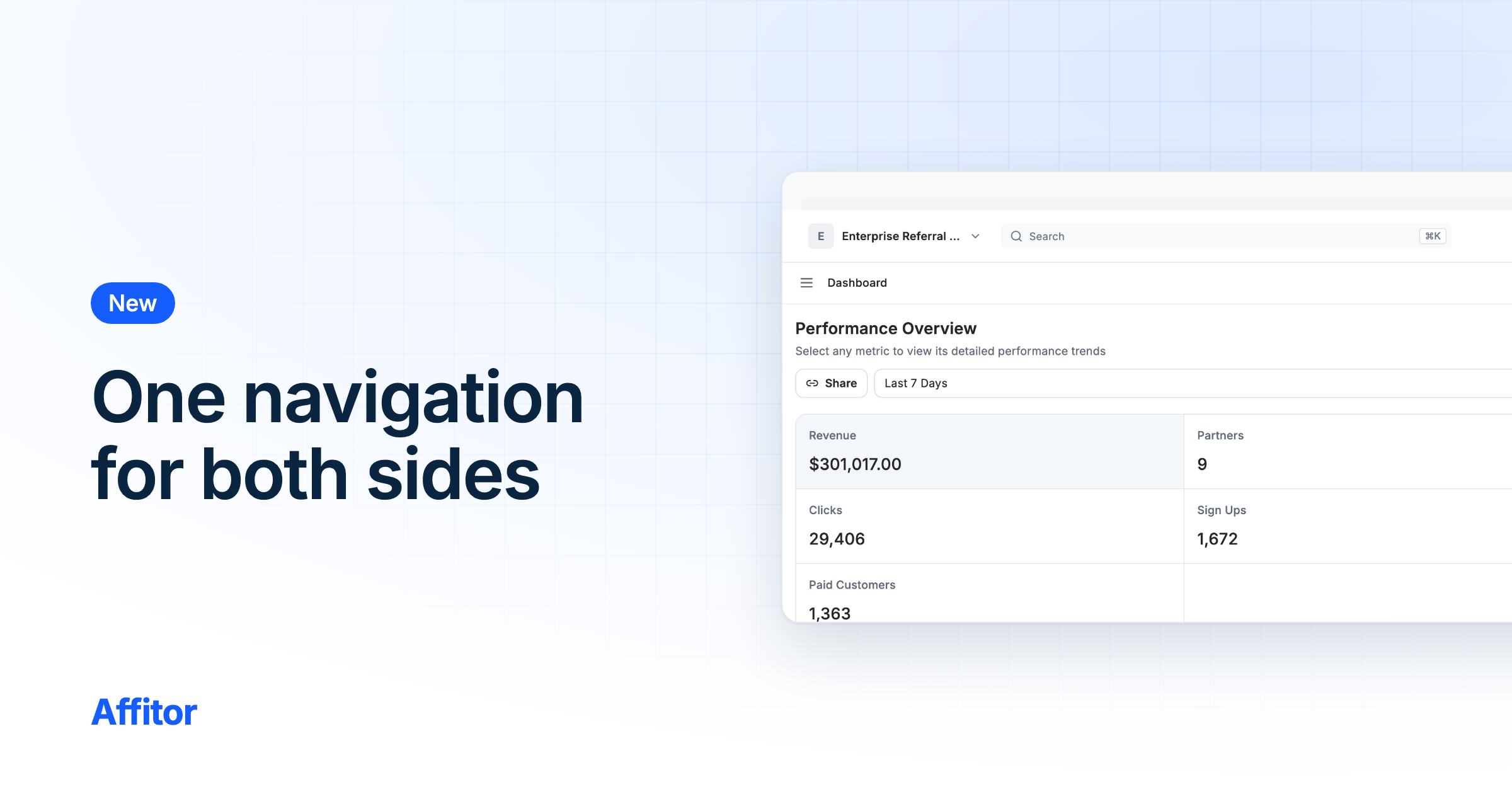
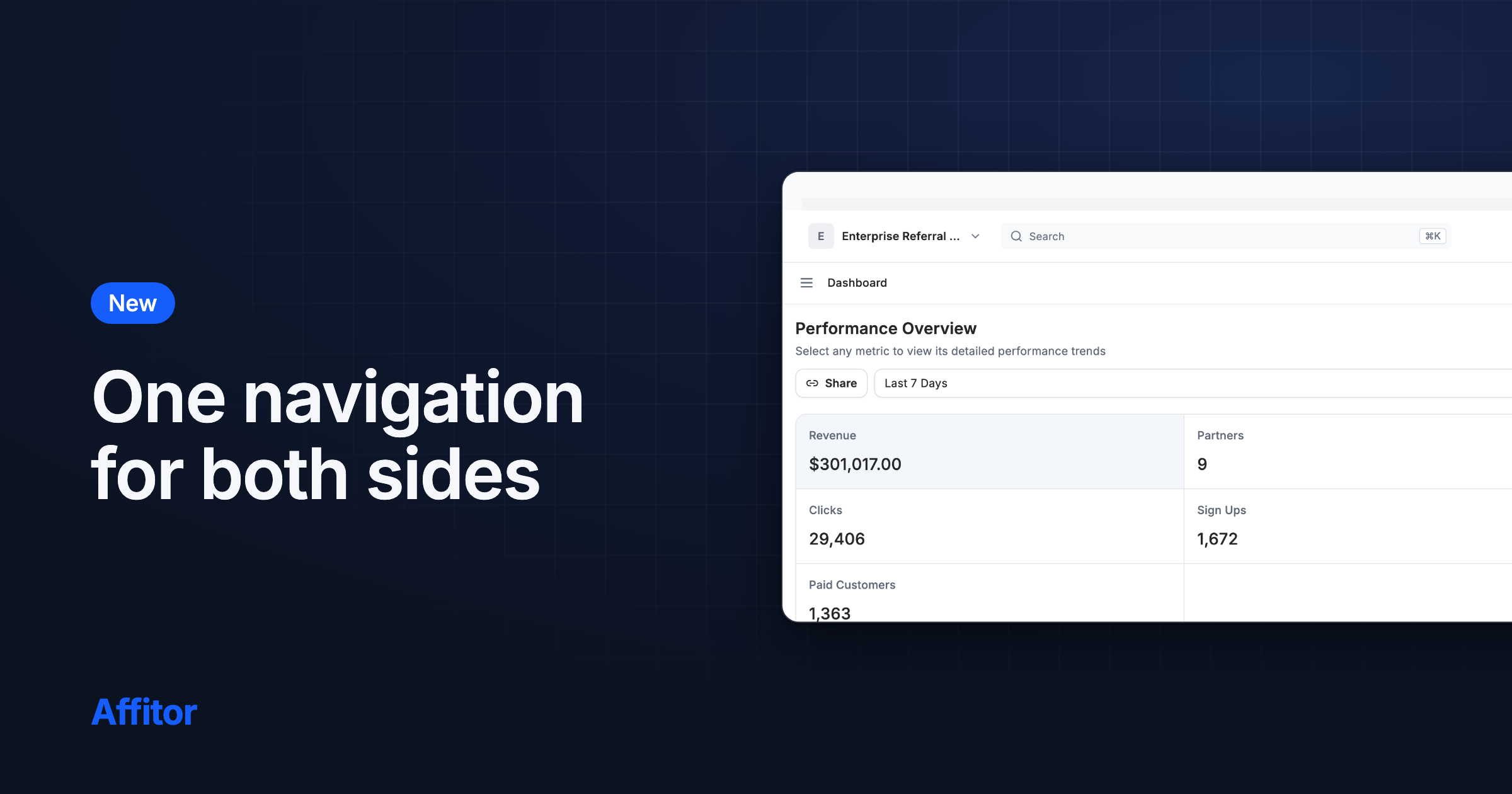
A Dashboard menu row, partial refund amounts, and program terms

On our public pages the account menu starts with Dashboard, partly refunded commissions show the amount left, and program pages show current payment terms.

Digest
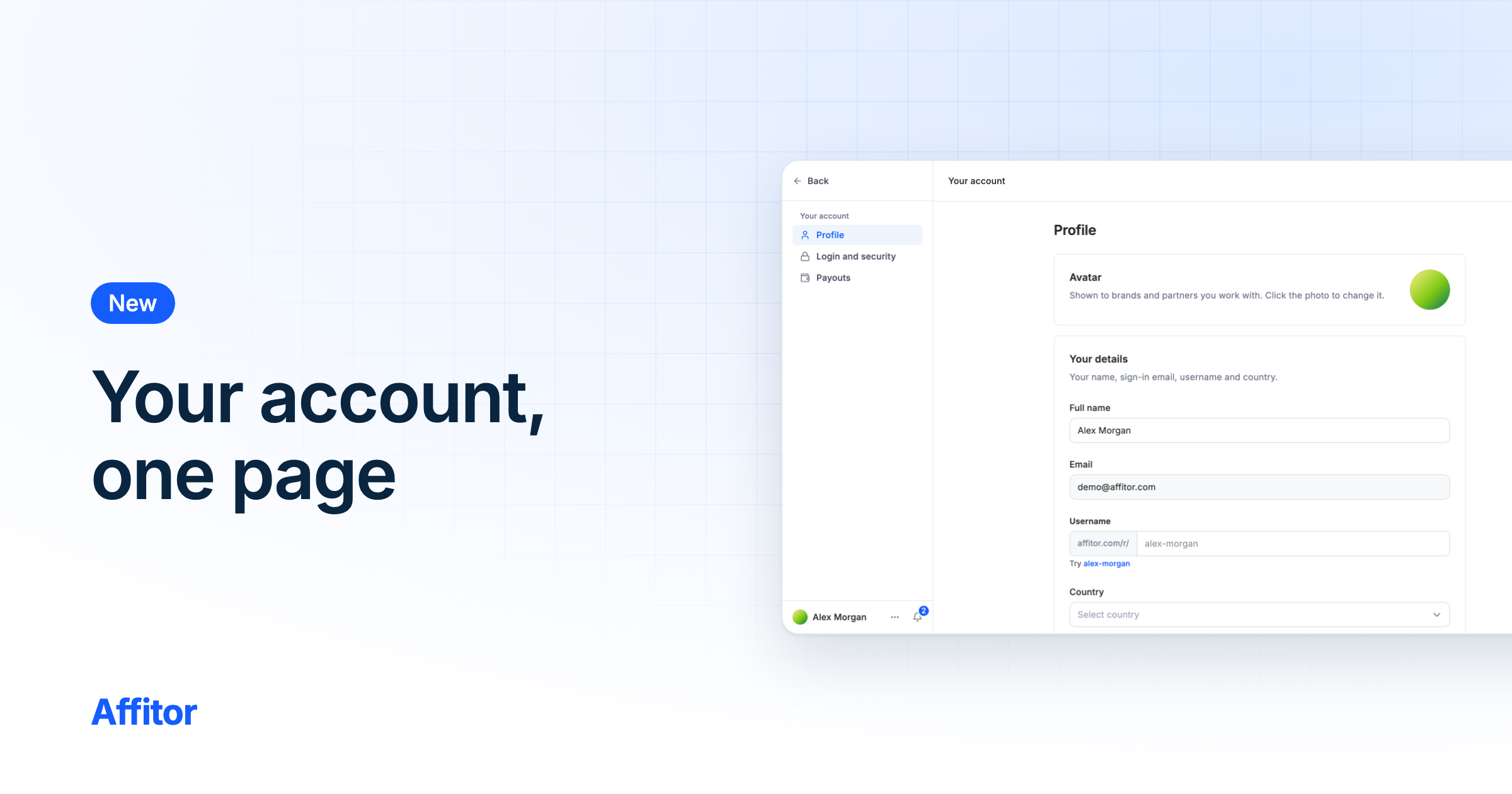
  • On our public pages, the account menu now starts with Dashboard, which opens the side you used last.
  • An account with a single side goes straight to it from Dashboard, even before you have opened it in this browser.
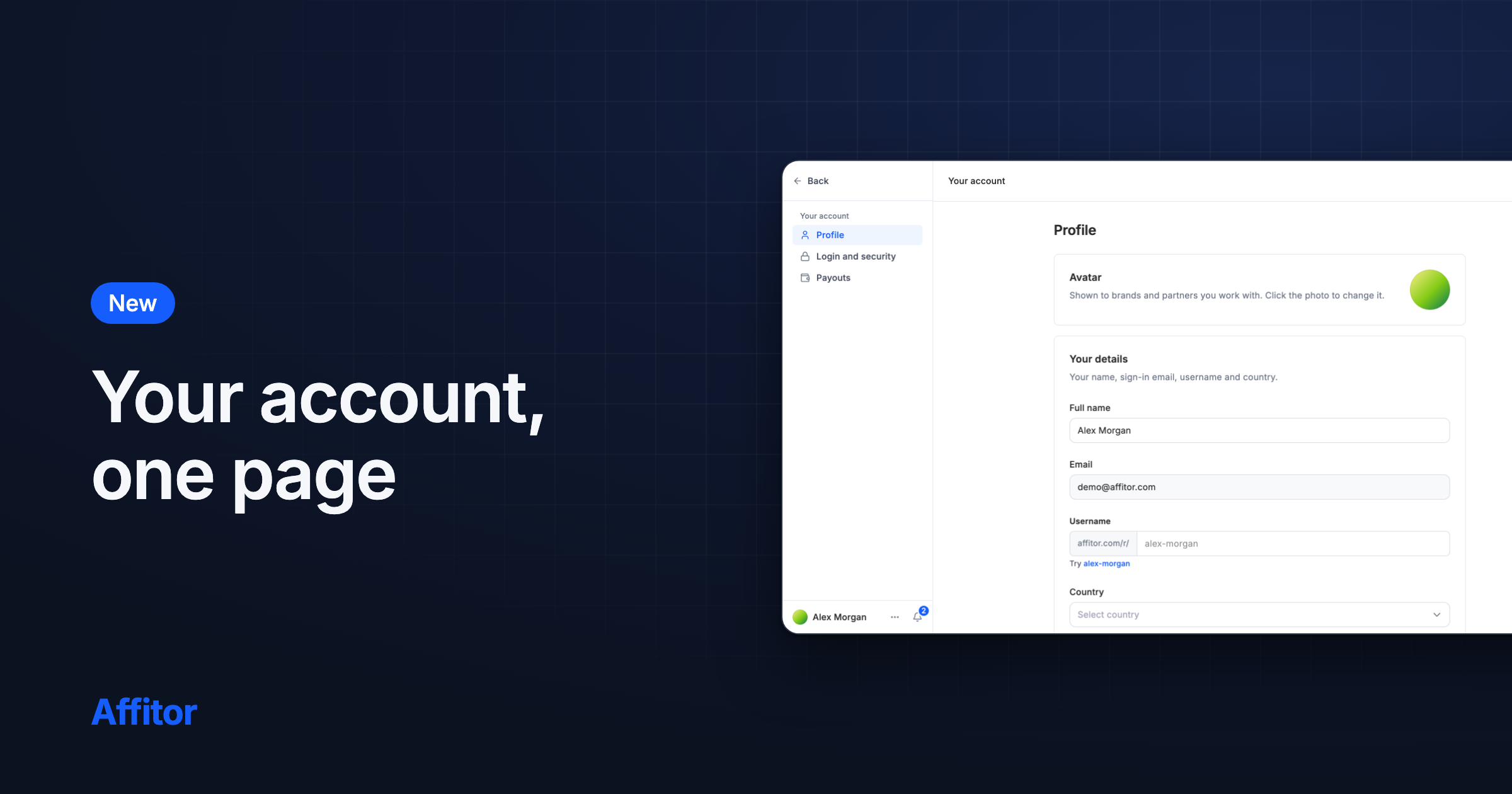
  • If you set an Avatar in your account, the account button on our public pages shows it instead of your sign-in provider's photo.
6 more

Program in brand links and tabs, commission length, and Pending

Brand pages show the program in their link and browser tab, program pages say how long a commission lasts, and a withdrawal no longer lowers Pending.

Digest
  • Brand pages carry the program in their link, and the browser tab names the page and the program, for example Partners – Your Program – Affitor.
  • Signed in, the button at the top of our public pages reads Dashboard.
  • Signed in, the account button next to Dashboard on our public pages opens your account menu, with Docs, Feedback and Log out.
4 more

Commission statuses, chat dividers, and filtered link clicks

Commissions show a status with its reason, chat shows a day and time between message groups, and short-link clicks skip bots, previews and prefetches.

Digest
  • Commissions show one status for brands and partners, such as On hold or Not eligible, with the reason on hover or tap, and both lists filter by status.
  • Chat groups messages under a centered day and time at each new day or after an hour of quiet. Times show on hover or tap; only brands see writer names.
  • You type a new password once, in one New password field, on Login and security in your account and on the Set a new password page.
9 more

Planned integration logos and Auto-approve as Yes or No

Planned integrations show their logos, Auto-approve is a Yes or No choice, and a per-click or per-lead group asks for a new rate when switched to sales.

Digest
  • The Planned integrations on Integrations show their logos: Dodo Payments, Paddle, Vercel and Stripe App. Webhooks has an icon.
  • Auto-approve is a Yes (Link right away) or No (You approve first) choice in program setup and in Program settings › Status. Saved choices stay as they are.
  • On Members, the permission level menu that Owners and Admins use describes Member as "Partners and the program, no money".
9 more

Planned integrations and One-click Stripe Payment Links

Integrations lists planned integrations and marks Stripe Payment Links One-click; a missing page outside Docs, Blog and Changelog has one button.

Digest
  • Integrations has a Planned section under All: Dodo Payments, Paddle, Vercel, Stripe App and Webhooks.
  • Stripe Payment Links on Integrations is marked One-click: one approval on Stripe's page, with no key and no webhook.
  • The guide links on the Clerk, Supabase and NextAuth integration pages open the signup step of the Next.js guide.
5 more

Link preview images, four more AI agents, and a withdrawal check

Shared links show preview images, Integrations adds Grok, Muse Code, Hermes Agent and OpenClaw, and a repeat withdrawal within five minutes is refused.

Digest
  • Links you share from Affitor now show a preview image made for that page or program.
  • The Integrations page lists Grok, Muse Code, Hermes Agent and OpenClaw with the other AI agents.
  • Each AI tool card on Integrations opens that tool's own steps in Connect your AI tool.
6 more

Members land on their program, Grok steps, and Markdown pages

Team members land on their program after sign-in, Connect an AI tool has Grok steps, six more pages answer in Markdown, and deleting an API key no longer fails.

Digest
  • In Connect an AI tool, the Other tab now has steps for Grok: add Affitor as a custom connector at grok.com/connectors, then sign in.
  • In Connect an AI tool, the Other tab now has steps for Muse Code: add Affitor to ~/.config/muse/settings.json, then run muse mcp login affitor in your terminal.
  • AI tools can read /agents, /switch, /privacy, /terms, /legal/refer-program and /legal/subprocessors as Markdown: add .md to the address or send Accept: text/markdown.
15 more

A Claude Code plugin, Join or Create on consent, and payout skip

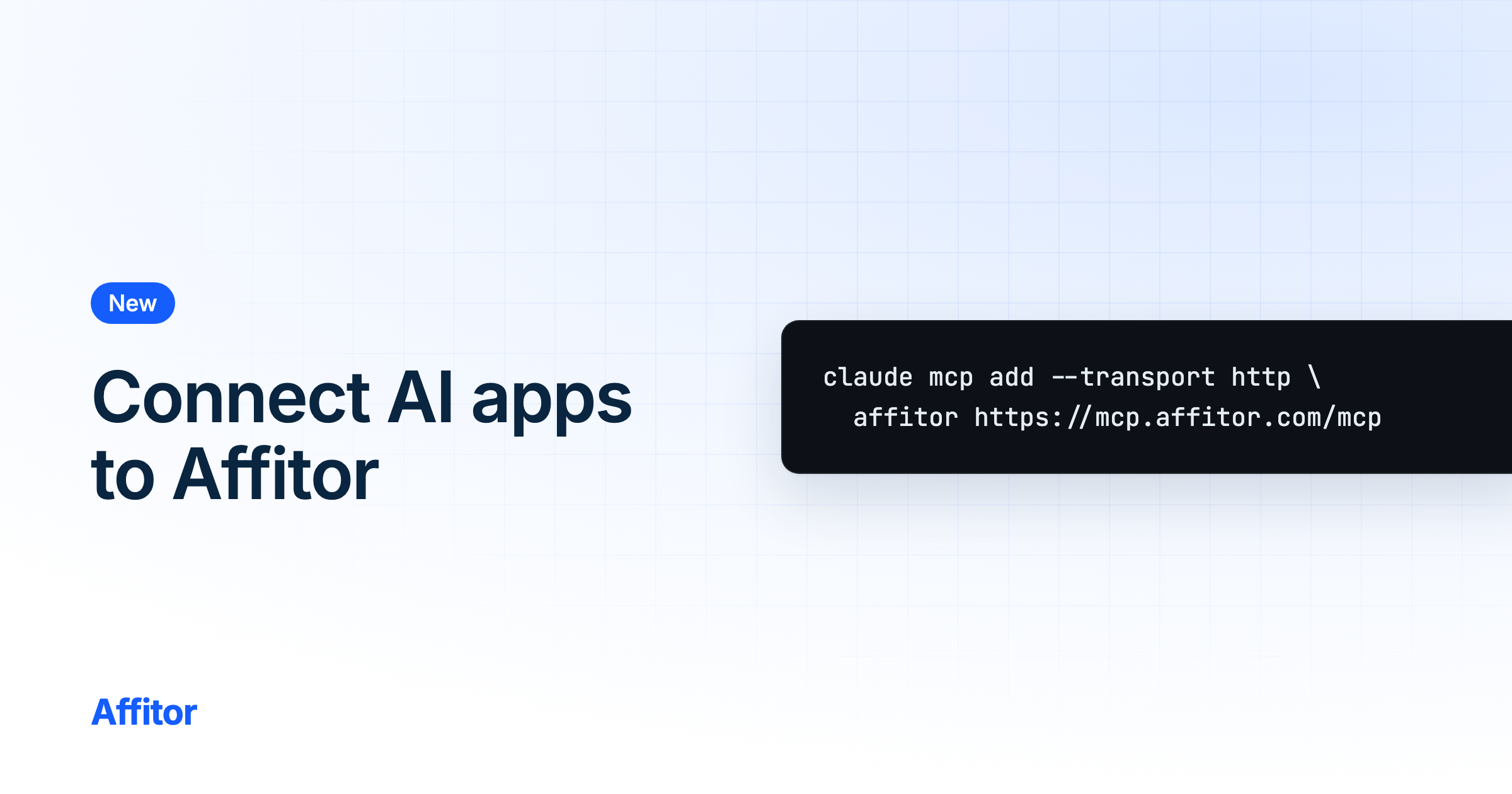
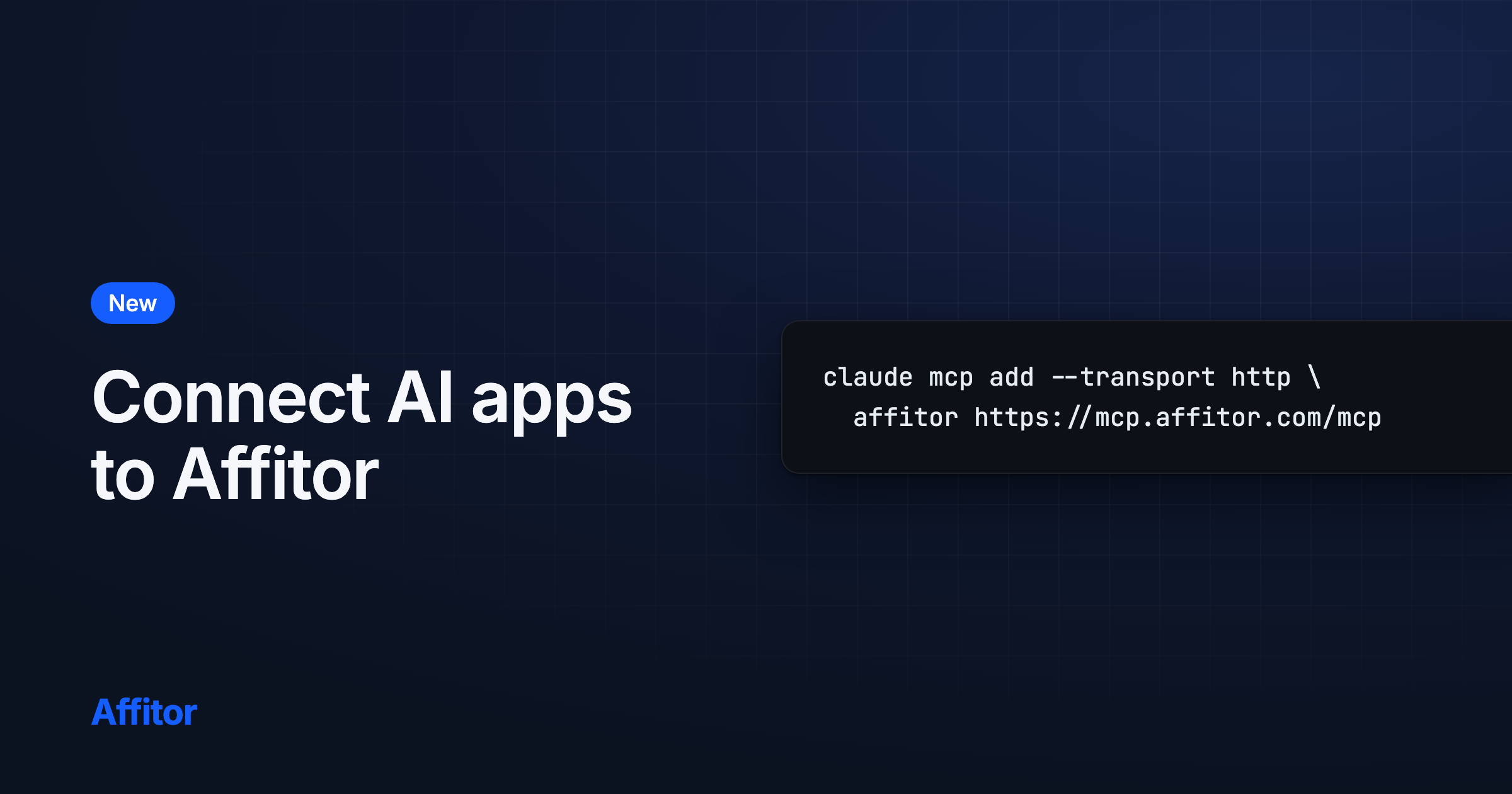
A Claude Code plugin and Gemini CLI extension, Add to Claude and VS Code links, Join or Create on AI app consent, and a payout skip per account.

Digest
  • Add Affitor to Claude or VS Code in one click from Connect an AI tool, which now has a VS Code tab. Manual setup steps stay as a fallback.
  • When your account has nothing to connect yet, the AI app consent screen offers Join as partner or Create program, then takes you back to approve.
  • Skip for now on payout setup applies only to the account you are signed in with. Another account on the same browser keeps its own Finish setup.
1 more

Chat for two-sided accounts, kept rows, and bulk Reject fixes

Chat keeps brand and partner sides apart, Partners, Groups and Commissions keep their rows on revisit, and bulk Reject acts only on pending selections.

Digest
  • If you are on a brand team and also a partner, Chat keeps each side's conversations, people, replies and uploads apart when you switch sides.
  • Partners and Groups show the rows you last saw right away when you come back, then refresh them in place.
  • Commissions refreshes its list and totals when you come back and after every action. Totals turn gray while they update.
3 more

Send sales in other currencies, with commissions before tax

Sales in other currencies are converted to USD when recorded, and commissions and platform fees use the price after discounts and before tax.

Action required: If you report refunds through the API, send refund_amount_cents in the sale's own currency and minor unit, or leave it out to refund the whole sale. A value of 0 is no longer accepted for sales from November 5.
FeatureBrandsDevelopersTrackingAPI

Send feedback, complete analytics, and one Affitor mark

Send feedback from the account menu, analytics without a Building history wait, Last 30 days with today, one Affitor mark, and Grok connections.

Digest
  • Send feedback from the account menu: pick a topic (Idea, Bug, Question or Other), write a note, and optionally rate how Affitor feels. The team reads every message.
  • Dashboard analytics no longer stop at "Building history for this range": cards and charts load your numbers for every range in the date picker.
  • Last 30 days now includes today: it covers the past 29 days plus today so far.
2 more

Program logos in one frame, and numeric IDs on tracking

Referral and invite pages show program logos whole in one framed tile, and lead and refund tracking accept whole-number IDs.

Digest
  • On Referrals, referred brands and invite pages, program logos use the uploaded logo, or else the website logo, shown whole in a white framed tile.
  • POST /api/v1/track/lead accepts a positive whole number as customer_key, and POST /api/v1/track/refund accepts one as transaction_id or refund_id, treated like the same value sent as a string.

Website logos at signup, public names, and composer focus

New programs pick up the website's logo, partners show by public name in Chat and Sources, Viewers read Chat only, and the composer keeps focus.

Digest
  • Continue on the first step of /brand/new now brings in your website's logo as the program logo when a large enough icon exists. A logo you already have stays.
  • Chat shows a partner's public name, or a dash when none is set, instead of an email prefix or a word like Partner.
  • The Sources report labels partners by their public name, or a dash when none is set, instead of an account username or a partner ID.
5 more

Chat at its own address, your name in menus, and customer keys

Chat moves to its own address, menus show your name, and sales and commissions fall back to your customer key when no email is recorded.

Digest
  • Chat now lives at /brand/chat and /partner/chat. Old Messages links, notification links and sign-in return links open Chat.
  • Latest sales and brand commission screens fall back to your own customer key when a sale has no email, instead of Unknown customer or a numbered placeholder.
  • Your name now shows in the sidebar, the account menu and Profile, instead of Brand, Partner or user@example.com. Without a name, a readable form of your email shows.
4 more

An API keys table, Billing by program, and 30-day MCP connections

An API keys table, product rates on the marketplace, Billing for one program at a time, and MCP connections that last up to 30 days.

Digest
  • Owners and Admins manage API keys in one table in Program settings › API keys: create named live keys shown once, see last use, and rotate or expire each key.
  • A program's marketplace FAQ can now list each product rule's commission rate. Owners and Admins give custom products a public name in Program settings › Commission › Product rules.
  • Billing lists only the selected program. To see another program's invoices, switch programs from the program menu.
8 more

Partner totals no longer count test events

Partner totals and charts no longer count test events, and older leads count again.

Digest
  • Partner program totals and charts no longer count test events, and older leads that were left out are now counted.

A new Members table, Commissions totals, and Review application

A new Members table, a money summary on Commissions, Review application from notifications, and archived programs closed to new links.

Digest
  • Members shows Name, Permission level and Status, with a Permission level dropdown per member you can change. Make owner lets an Owner add a co-owner and stay an owner.
  • Commissions shows Revenue, Commission and To pay for the selected date range. Status and search filter only the table below.
  • A notification for an application waiting on you has a Review application button that opens Partners › Applied, where you approve or decline. Partners has one Share program button.
4 more

An Approval card, Join right away, and browser translation

An Approval card in Program settings, Join right away on auto-approve programs, commissions from exact cents and the $50 Refer reward timing.

Digest
  • Program settings › Status has an Approval card: choose Auto-approve or Manual review and save it on its own.
  • On a program's marketplace page, the line under Apply to promote says Join right away when the program approves partners automatically.
  • Partners can hide the Finish setup card on Programs.
4 more

Commission terms for Owners and Admins, and pages for AI agents

Only Owners and Admins change commission terms, marketplace pages state the combined $20 minimum, and affitor.com answers AI agents.
Digest
  • Only Owners and Admins can change a program's commission type, rate and duration. Members see the current terms instead of the controls.
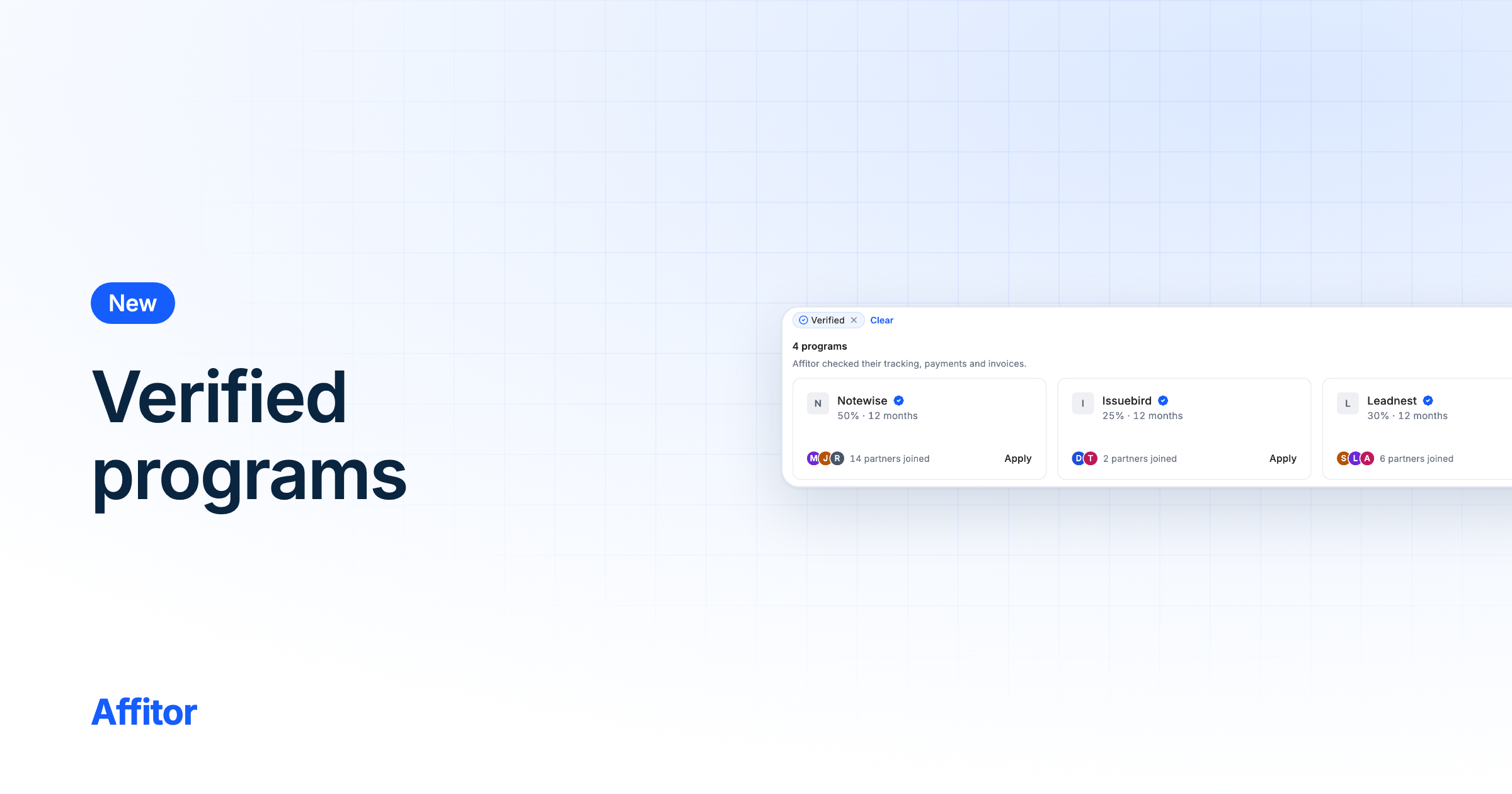
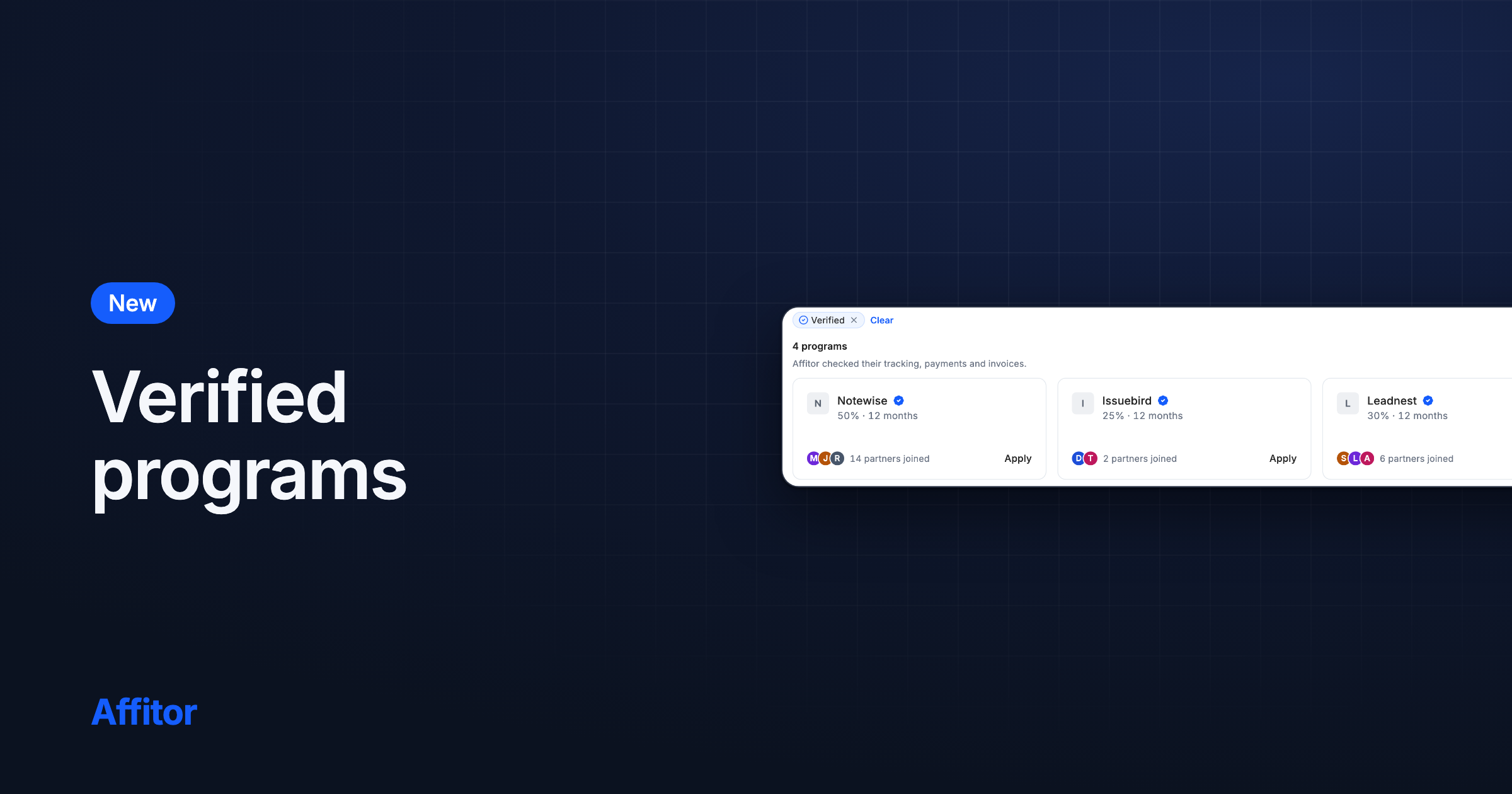
  • Marketplace program pages say the $20 minimum payout is combined across all your programs, and no longer label the attribution window as first click.
  • On a phone, the Partners page title and its buttons no longer overlap.
5 more

Auto-approval for new programs and AI tracking setup

New programs start on automatic approval, Tracking opens on With AI, a daily check records missed Stripe sales, and the Tracking API spec is public.

Digest
  • New programs start with automatic partner approval. Existing programs keep their current setting.
  • Tracking setup opens on With AI: pick Claude Code, Cursor, Codex, ChatGPT or Other, then copy a ready prompt with your Program ID.
  • A daily check now records partner-referred sales from your connected Stripe account that never reached Affitor in the last 7 days, unless refunded or disputed.
3 more

Improvements and fixes, Oct 12–18

Simpler username rules, website suggestions for your Business details, faster partner pages, and fixes to renewals, phones and sign-up.

Digest
  • Usernames are 3 to 30 lowercase letters, numbers and hyphens. Change yours once every 14 days; a name you give up is held for you for 14 days.
  • In Program settings › Business, saving your website suggests a logo, tagline and About for you to review. Nothing is saved until you save each card.
  • Partner pages you opened before show at once and refresh in the background, and moving between them keeps the sidebar in place.
39 more

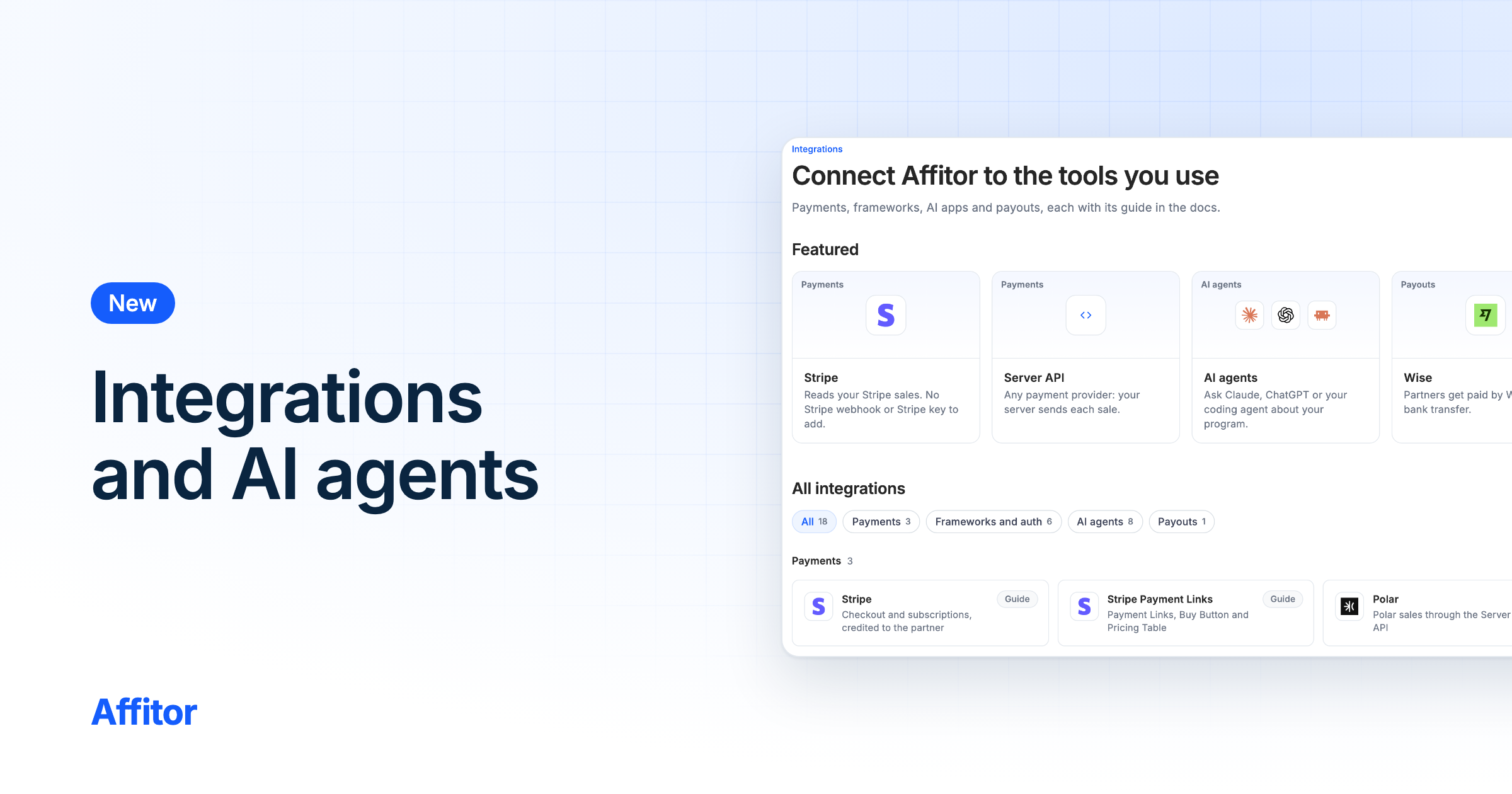
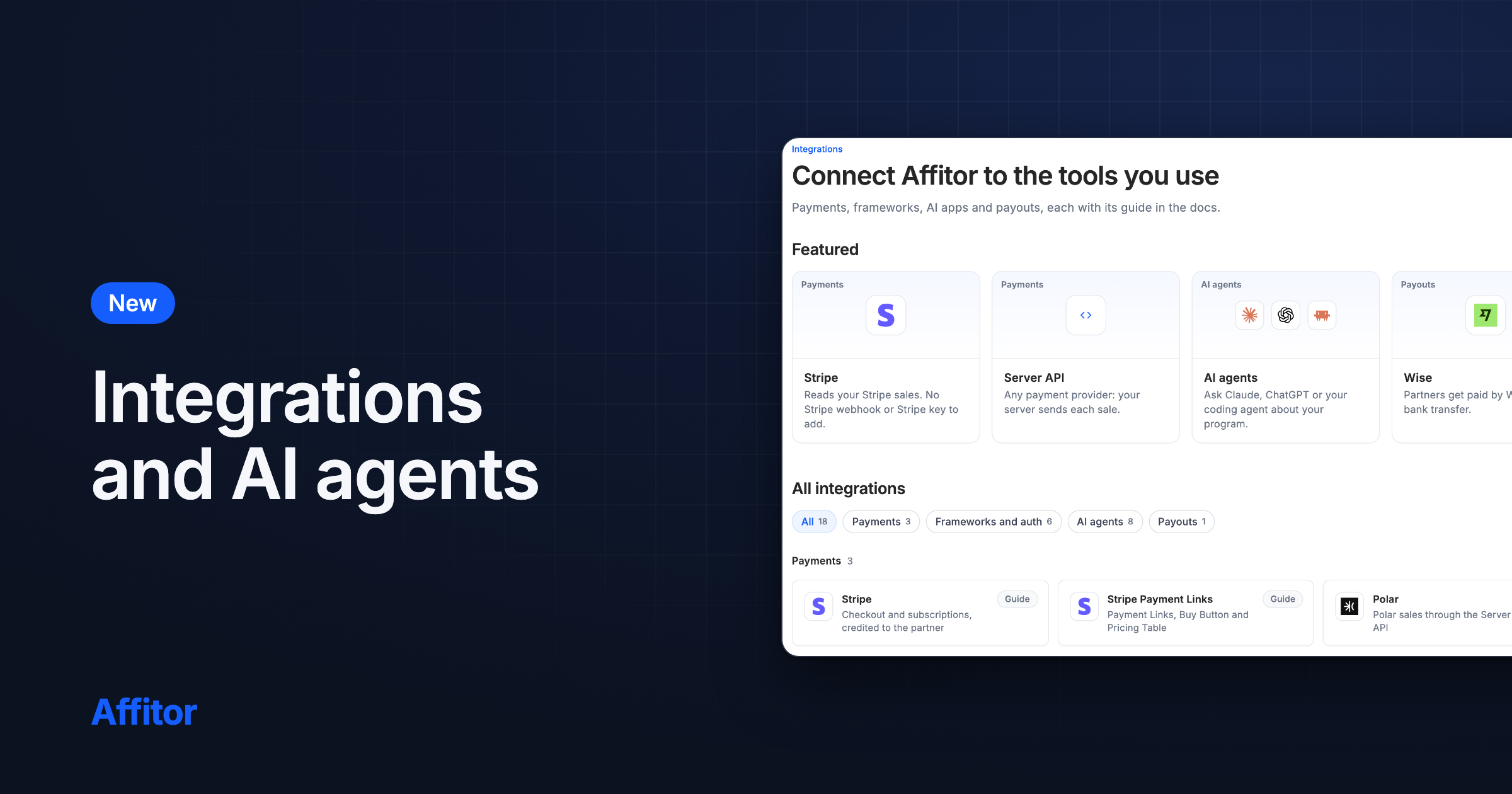
Integrations and AI agents pages

Two new public pages show what Affitor connects to, Integrations with a guide for each and AI agents for connecting your AI app over MCP.

FeatureBrandsPartnersDevelopersMCP

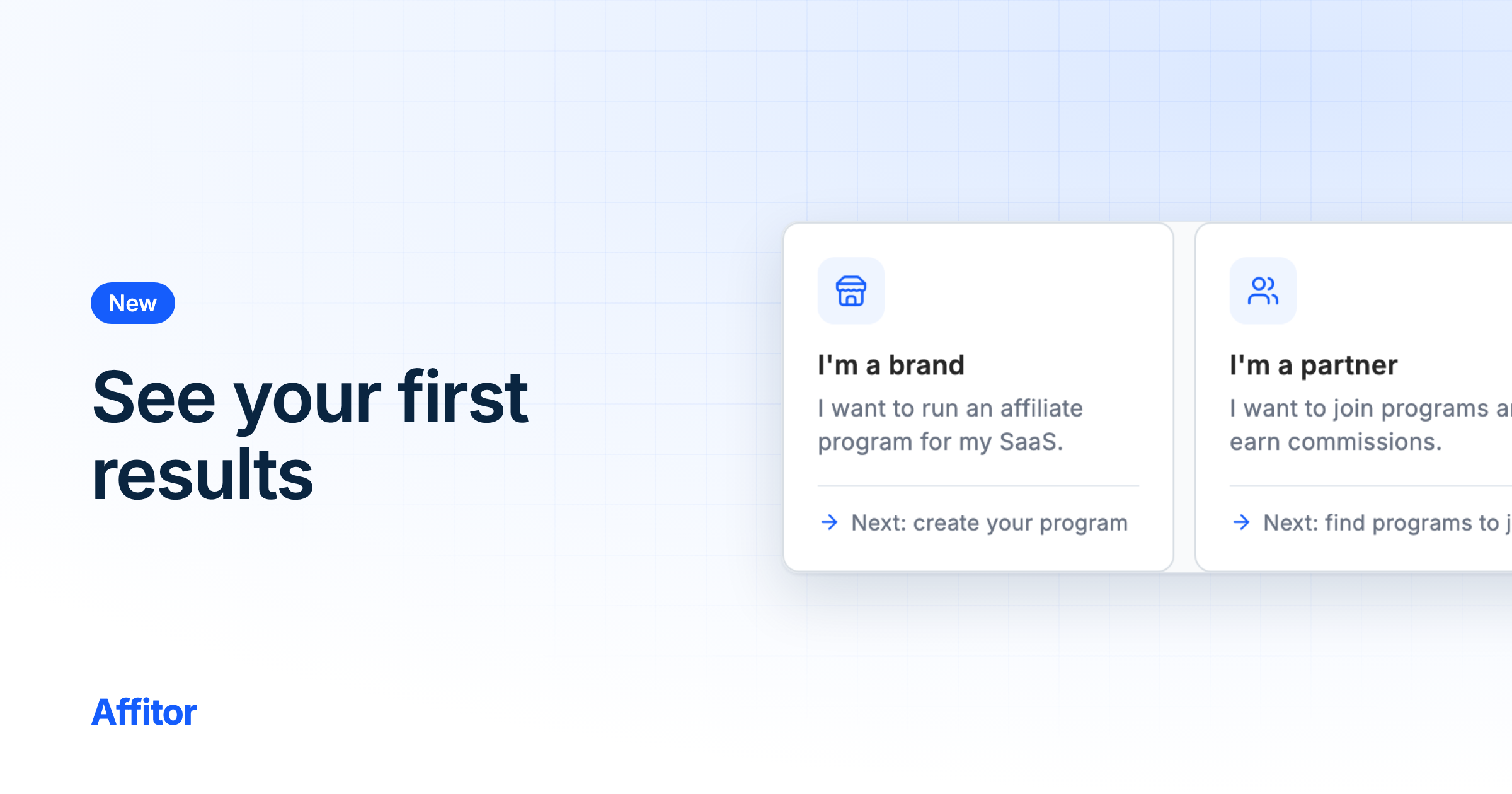
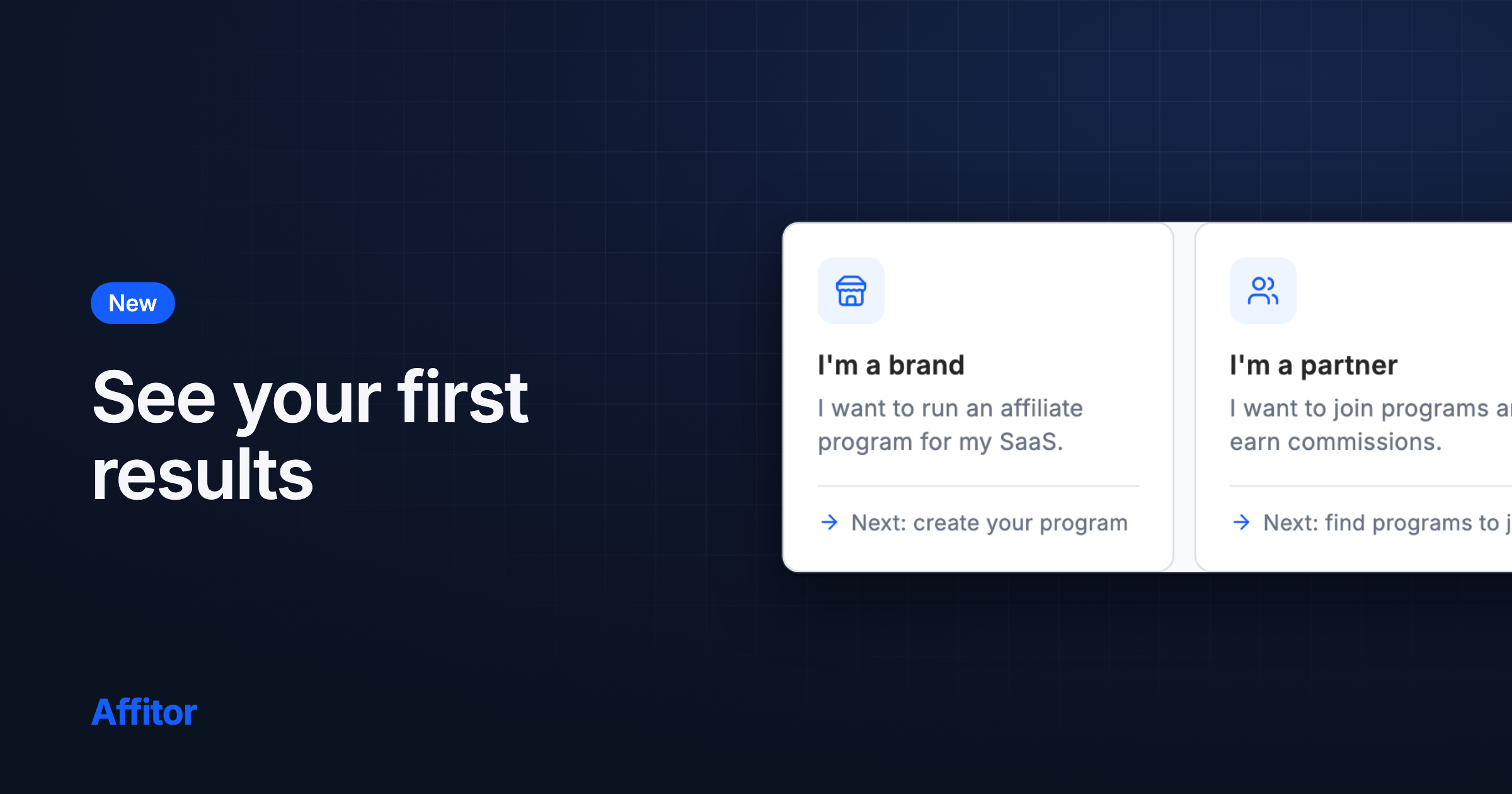
See your first results as they happen

Brands track their first partner, traffic, sale and payout on Get started; partners track their first click, commission and payout on Programs; sign-up asks brand or partner first.

FeatureBrandsPartnersDashboard

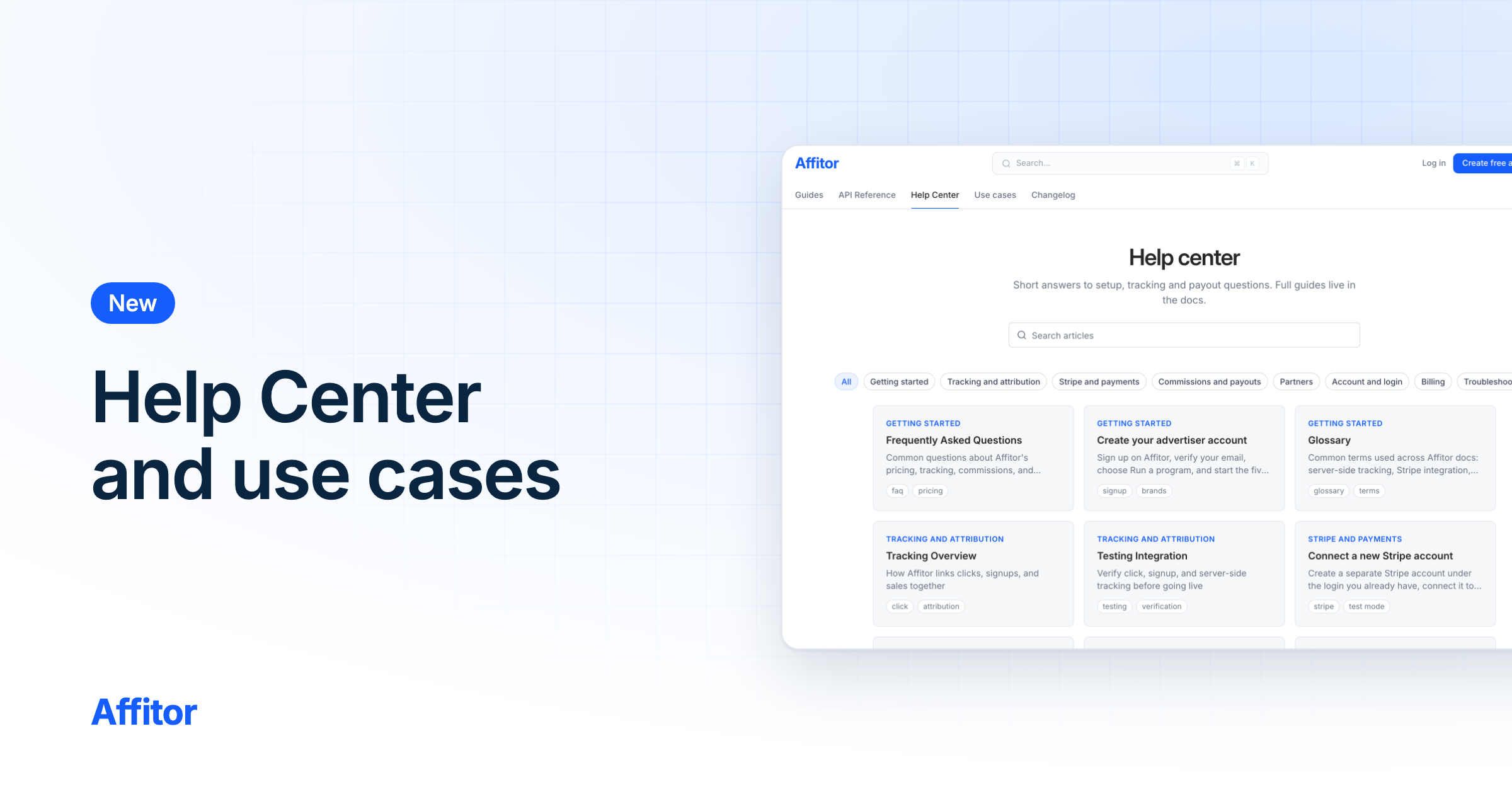
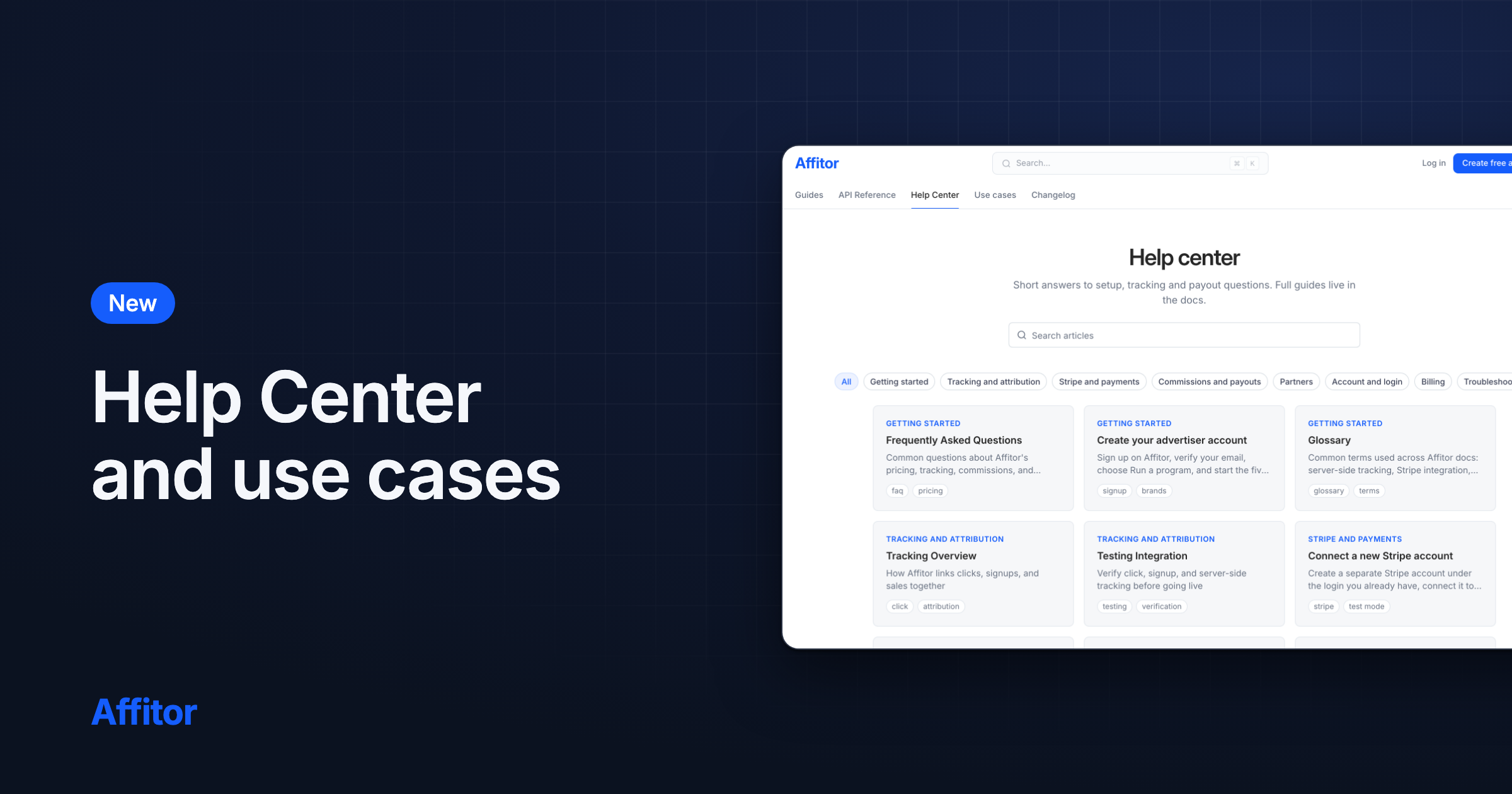
A Help Center and use cases in the docs

The docs now open by job for brands or partners, with a searchable Help Center, three end-to-end use cases and a guide to connect a new Stripe account.

FeatureBrandsPartnersDevelopers

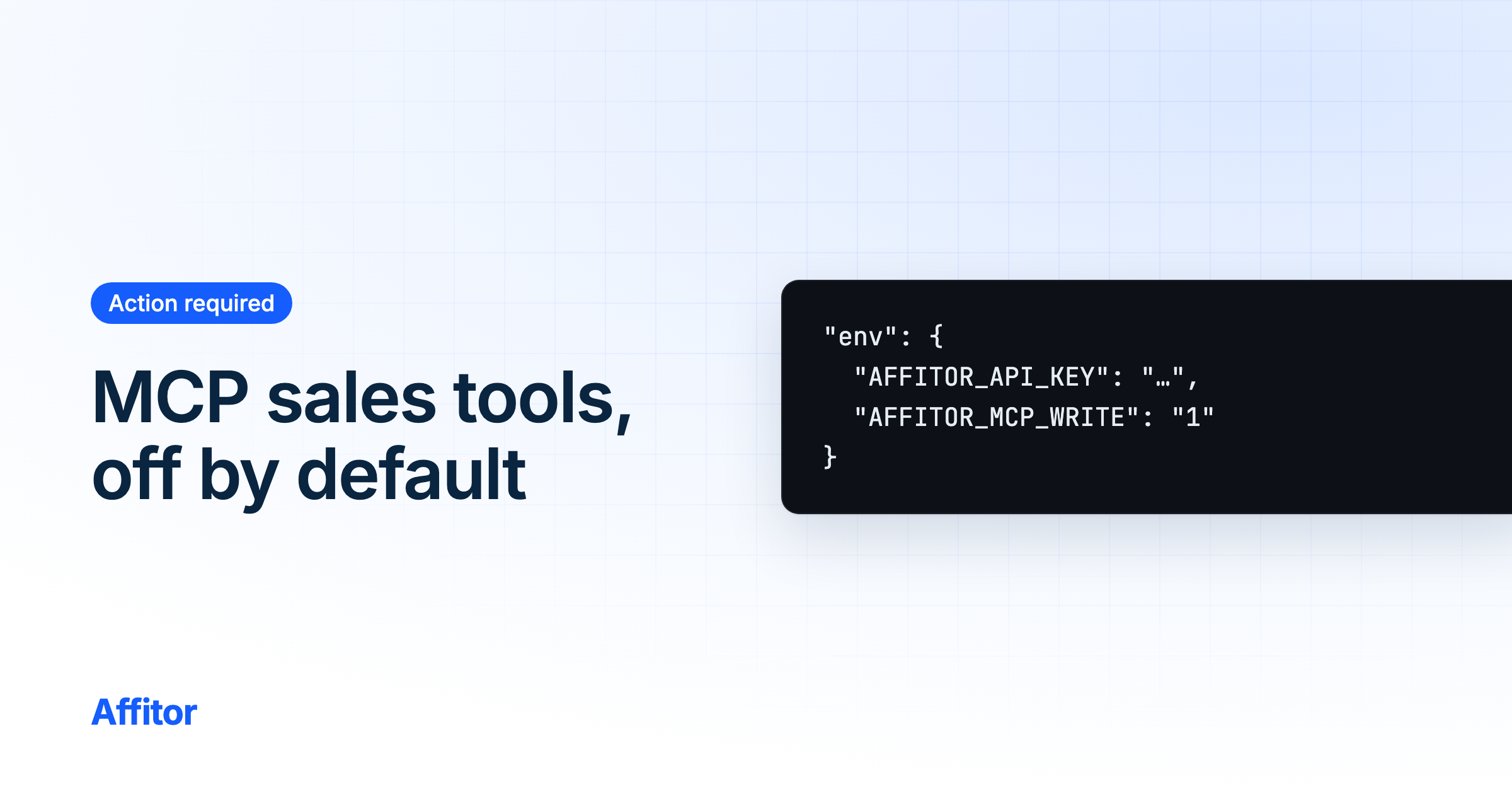
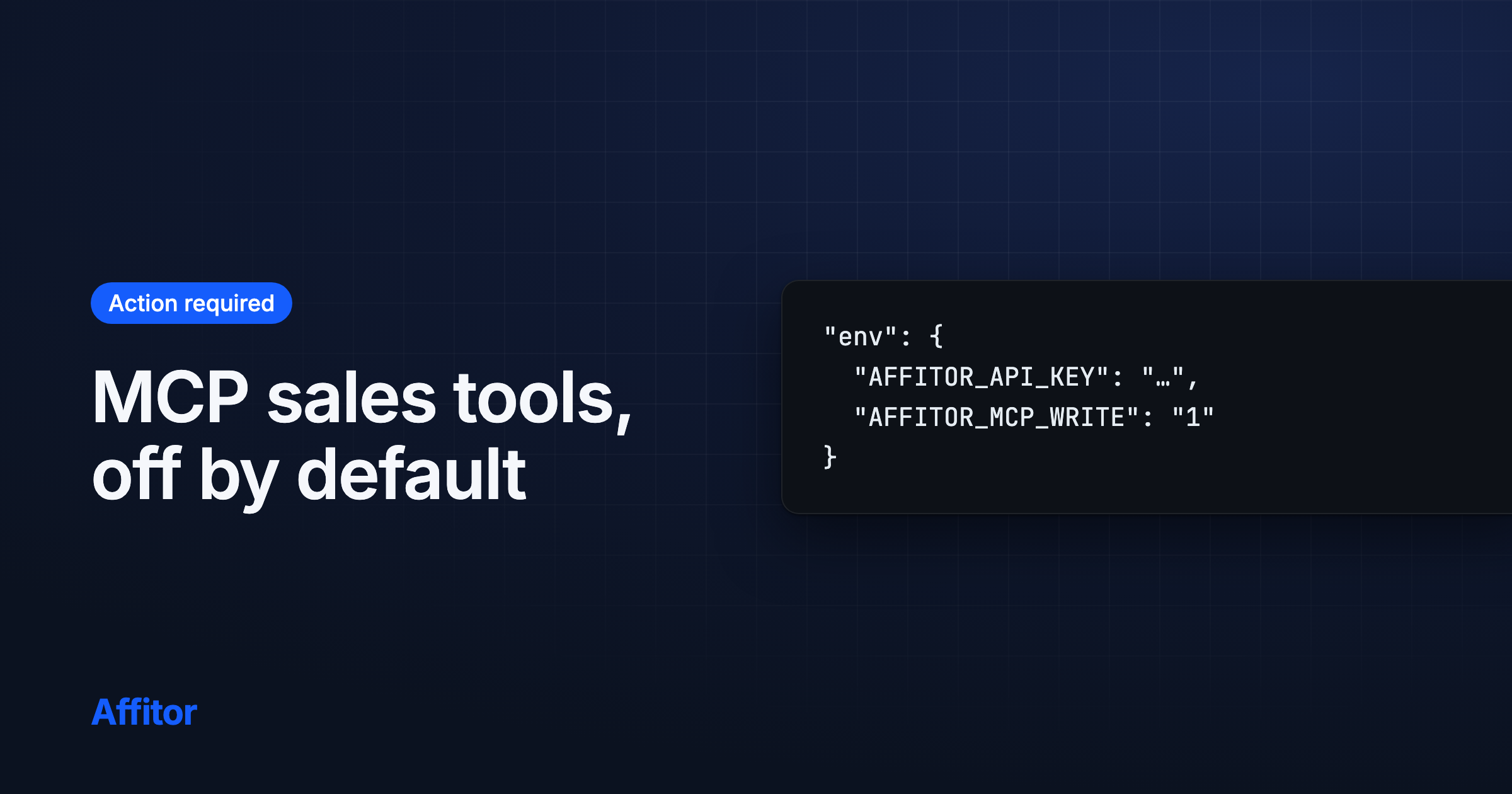
MCP server records sales only when you allow it

From @affitor/mcp 0.2.1, the tools that record sales and refunds are off by default. Agents that record sales need AFFITOR_MCP_WRITE=1.

Action required: If an agent records sales or refunds through the Affitor MCP server, add AFFITOR_MCP_WRITE=1 to the server's env.
BreakingDevelopersMCP

Improvements and fixes, Oct 5–11

One-click commission approval, clearer refund notifications, and notification links that open the right page.

Digest
  • Approving a commission takes one click.
  • A refund notification now says what happened to your balance. If the commission was still pending, it says the commission was canceled and your balance did not change.
  • Notification and reminder links open the right page instead of a "page not found".

Improvements and fixes, Sep 28–Oct 4

A changelog for you and your agents, clearer answers from the tracking API, and fixes for Google sign-in and CLI-created programs.

Digest
  • A changelog page, with a Markdown version for AI agents.
  • Tracking a click on a disabled referral link answers 410 link_disabled, so you can tell it apart from an error.
  • Marketplace pages carry correct structured data for search engines.
4 more

See what you owe after a refund

When a customer refund reverses a commission you already withdrew, your payout page shows the balance owed, and it is recovered from your next commissions.
FeaturePartnersDashboard

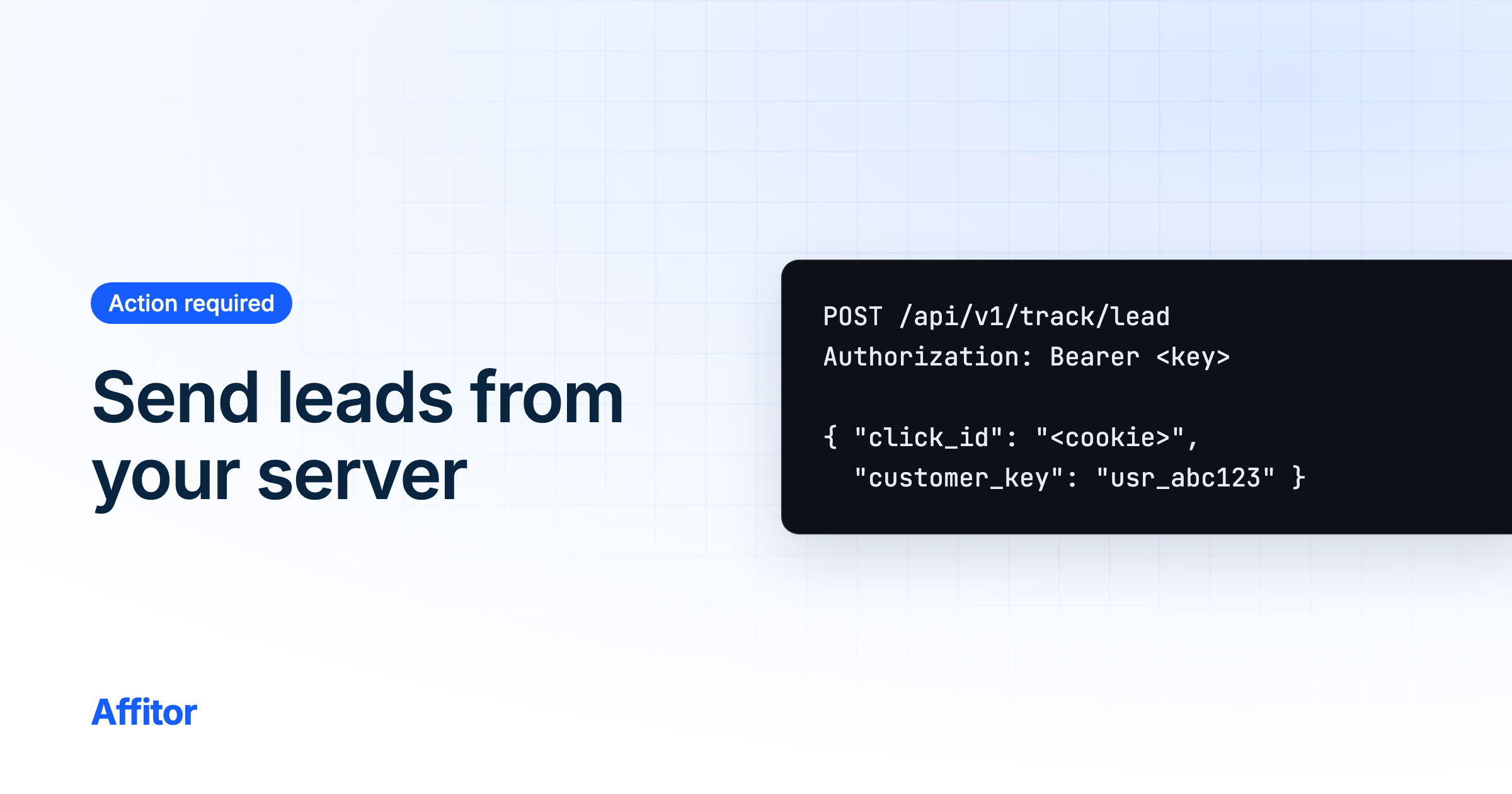
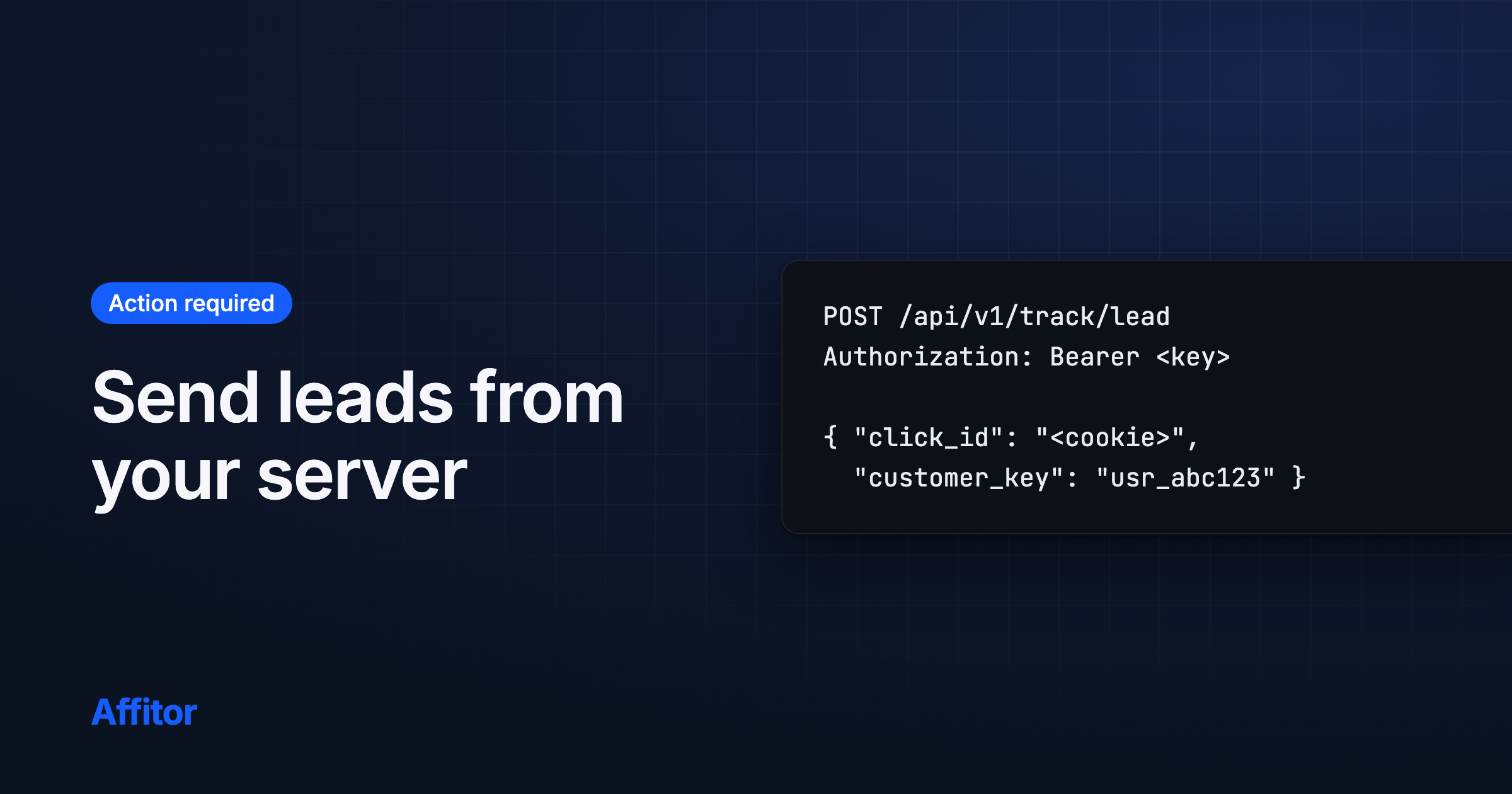
Send leads from your server to count them

A signup sent only from the browser is now recorded as provisional on older programs too. Send the lead from your server with your program API key so it counts.

Action required: If you send signups only from the browser, also send them from your server with your program API key and the visitor's click ID.
BreakingDevelopersBrandsTrackingAPI

Test sales are never invoiced

Sales from your own tests are labeled and never billed. An invoice made only of test sales is voided automatically, and it no longer keeps your program paused.

FeatureBrandsDashboard

Improvements and fixes, Sep 21–27

Commission notifications that point to the exact commission, a featured carousel on the marketplace, and access fixes for workspace members.

Digest
  • Commission notifications name the program and open the exact commission.
  • The marketplace shows featured programs in a carousel.
  • The old CLI endpoint for connecting Stripe now answers 410 Gone. Connect Stripe from the dashboard instead.
4 more

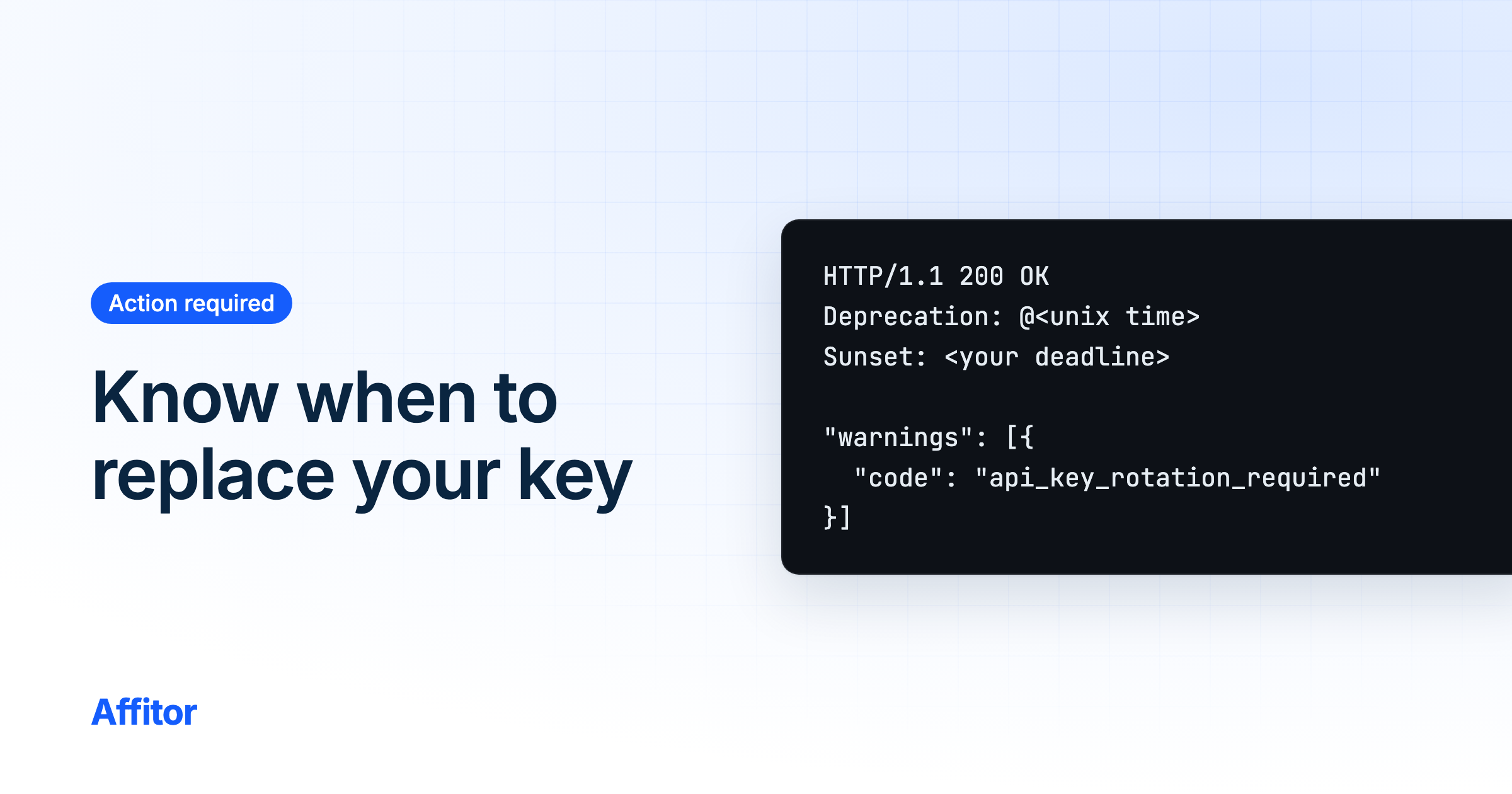
Know when your API key must be replaced

If Affitor flags your program's API key for replacement, your dashboard, every API response and the CLI now tell you. After the deadline the old key is refused.

Action required: If your dashboard shows an API key notice, regenerate the key in Settings > API Key and update it on your server.
BreakingBrandsDevelopersAPICLIDashboard

Improvements and fixes, Sep 14–20

Password reset pages, notifications that open the right place, faster pages, and fixes across commissions, chat and tracking.

Digest
  • Forgot your password? The sign-in page now has forgot-password and reset-password pages, so you can get back into your account on your own.
  • Clicking a notification opens the page it is about.
  • Emails from Affitor now come from Affitor, with a plain-text version and a reply-to address.
17 more

Improvements and fixes, Sep 1–13

A cleaner docs feed for AI assistants, and tighter access to program and marketplace data.

Digest
  • The docs feed for AI assistants is rebuilt: a compact llms.txt on every build, a full llms-full.txt, a sitemap that lists the Markdown pages, and page details at the top of every .md page.
  • We tightened access to program details and public marketplace data.

Improvements and fixes, August 2026

New brands can create their first program right after sign-up again.

Digest
  • New brands can create their first program right after sign-up again. If creating a program fails, the error says why.

Improvements and fixes, July 2026

Every docs page as Markdown for AI assistants, an About page, and an end-to-end guide.

Digest
  • Docs for AI assistants. Every docs page is available as Markdown at its URL plus .md.
  • An About page with the Affitor story, and an "Ask AI about Affitor" row in the footer that opens your assistant with a ready question.
  • A How to Use Affitor walkthrough in the docs, and real product screenshots across the brand guides.

Go live when you are ready

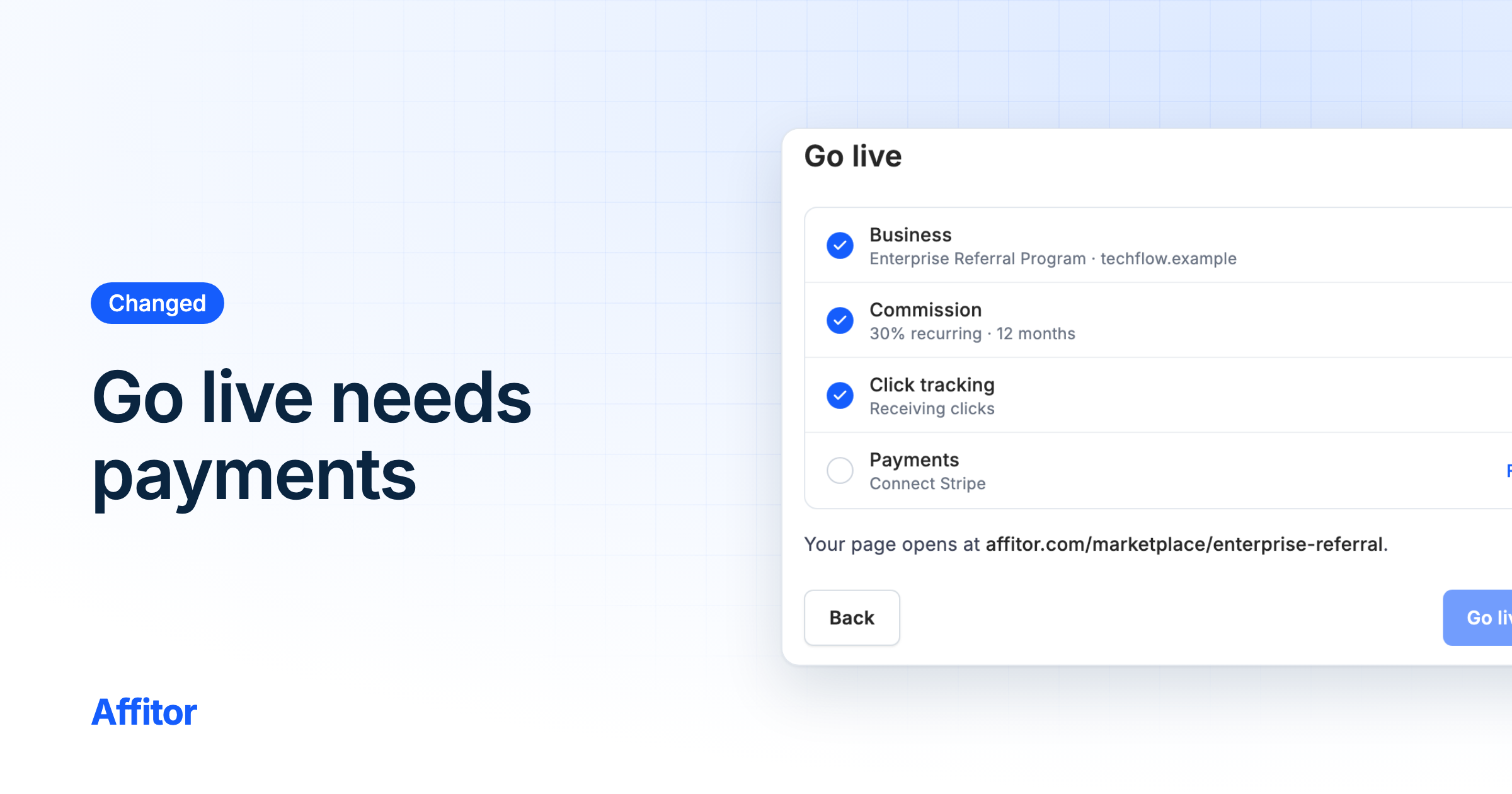
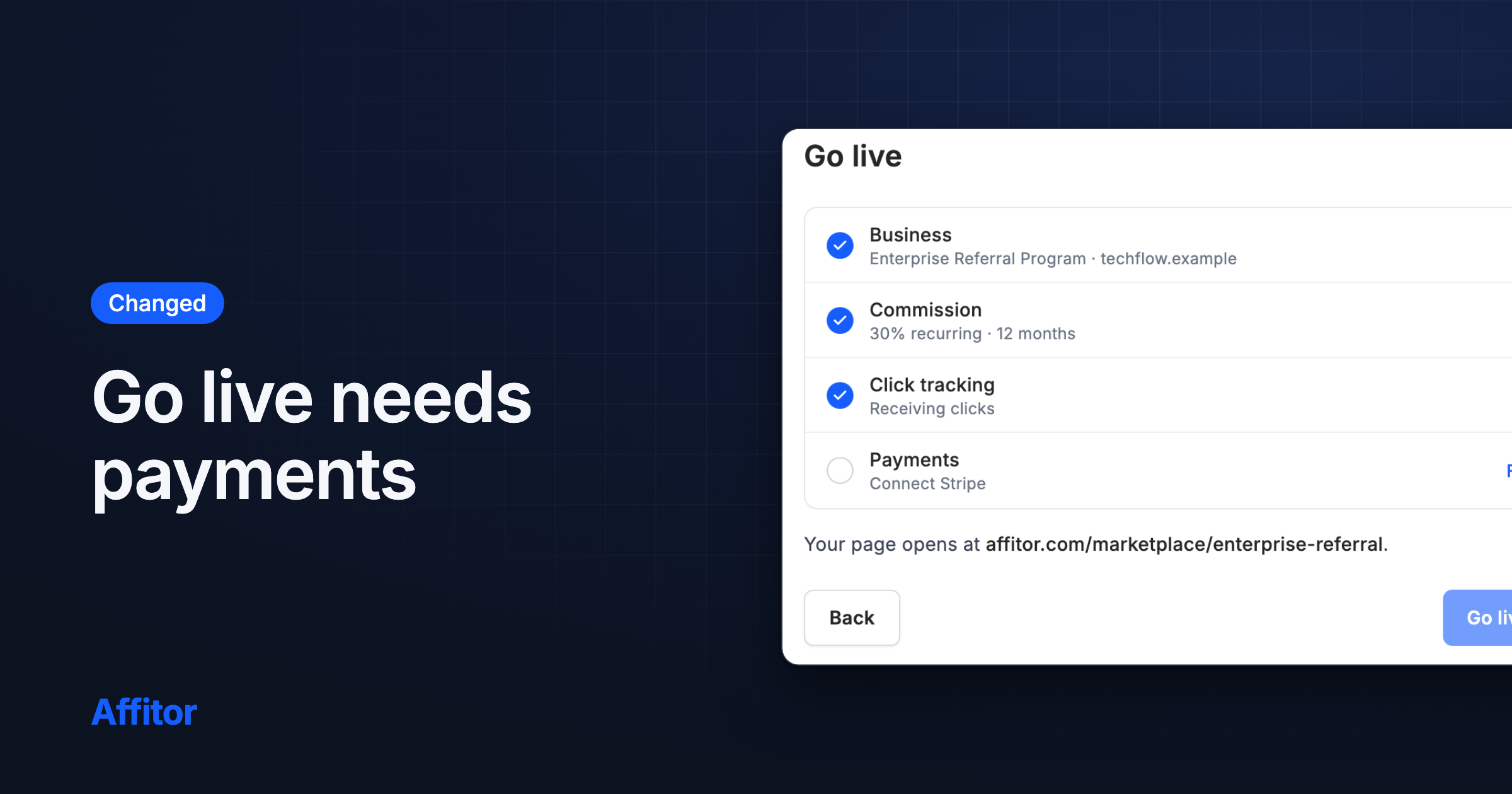
A single Go Live button publishes your program as soon as your business profile and commission are set, and the Quick start checklist shows what is really set up.

FeatureBrandsDashboard

Improvements and fixes, June 2026

Shorter app addresses, a calmer design, apply first and sign up after, per-program billing and notifications, refunds through the API, and the end of list.affitor.com.

Digest
  • Record refunds through the tracking API, so the matching commission is reversed.
  • Record sales from your server without connecting Stripe.
  • Each program connects its own Stripe account.
20 more

Improvements and fixes, May 2026

Redesigned account and invoice emails, a faster brand dashboard, and partner earnings that say what they are.

Digest
  • Verification, team invite, new invoice and past-due emails share one redesigned layout. We rebuilt our emails again in September 2026.
  • The brand dashboard opens faster: its performance chart now loads after the page appears.
  • Customer details show one row per real sale.
3 more

Faster, less noisy docs search

Search now matches page titles only, so you no longer wade through paragraph snippets to find what you need.

FeatureBrandsPartnersDevelopers

Improvements and fixes, April 2026

Replies in messages, new program defaults, CLI pages in the docs, and a profile that saves without signing you out.

Digest
  • Partners get a referral link the first time they open a program.
  • Reply to a specific message in a conversation.
  • The docs have CLI pages.
8 more

Improvements and fixes, March 2026

Partner withdrawals and transaction history, team members, a hold period and cookie window per program, a redesigned brand dashboard, and a new logo.

Digest
  • Payouts. Partners see a transaction history with a status timeline and can request a withdrawal of their approved balance. Since October 2026, a commission can be withdrawn once the brand has paid the invoice that covers it.
  • Team members. Invite teammates to your workspace and manage them.
  • Set a hold period and a cookie window per program. Partners see both on the program.
13 more

Improvements and fixes, February 2026

A redesigned homepage, the tracker on npm, sales credited even without a cookie, partial refunds, private customer emails, and timestamps in the transcript tool.

Digest
  • The tracker is on npm as @affitor/tracker (since replaced by @affitor/sdk), and calls made before it loads are queued instead of lost.
  • When the browser cookie is missing, a sale can still be credited to the right partner by matching the customer's user ID or email.
  • Terms of Service and Privacy Policy pages.
12 more

Improvements and fixes, January 2026

Each program page shows only its own commissions and customers, the Setting tab has your tracking snippet ready to copy, and the chart has a Share button for your program link.

Digest
  • On each program's page, partners in several programs now see only that program's commissions and customers.
  • The Setting tab walks you through setup: copy your tracking snippet, which already includes your Program ID, then share your program link.
  • The performance chart has a Share button that copies your program link.
2 more

Improvements and fixes, December 2025

A redesigned program page, search and sort on partner lists, and test events kept out of your numbers.

Digest
  • One account can switch between brand and partner roles.
  • The public program page is redesigned. In program settings, you can save a draft of your changes in this browser and preview your logo before saving.
  • Partner and application lists have search, sorting and page numbers.
3 more

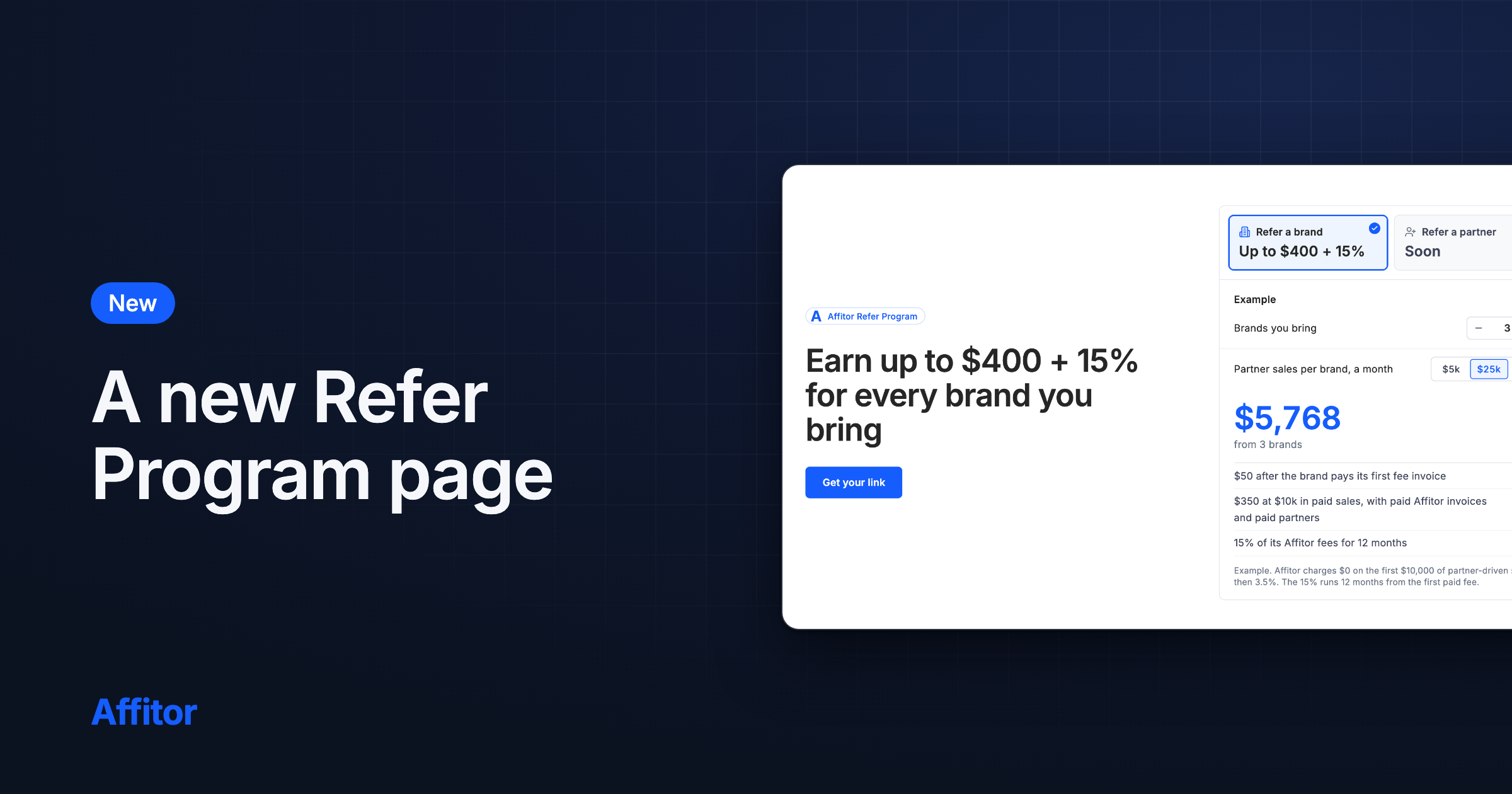
Refer brands and earn

Partners get a personal referral link to invite brands to Affitor, and earn $50 when a referred brand sets up its program and $150 when that brand reaches $1,000 in sales.

FeaturePartnersDashboard

Improvements and fixes, November 2025

A program switcher for brands, auto-accept per program, early access sign-up, and no double commission on a first subscription invoice.

Digest
  • Brands with several programs switch between them from a program selector. A brand with no program yet is taken to create one.
  • Auto-accept for partner applications is set per program.
  • An early access sign-up on a refreshed landing page with an FAQ. That landing page has since been replaced.
1 more

Improvements and fixes, October 2025

A public application form for brands, a customer status filter for brands, and commissions on every subscription renewal.

Digest
  • A public application form for brands that want to run an affiliate program on Affitor.
  • Brands can filter the customers their partners referred by status: lead, conversion or click.
  • Commissions are now created on each subscription renewal, not only on the first payment.
1 more

Improvements and fixes, August 2025

Browse affiliate programs by category with counts, sorting and page numbers, faster category pages, and no more NaN referral balances.

Digest
  • Browse by category. Category pages list their programs with counts, sorting and page numbers.
  • Category pages load faster.
  • Referral balances and earnings no longer show NaN.

Improvements and fixes, July 2025

Short referral links, community sign-in with your Affitor account, and redesigned program pages.

Digest
  • Referral links get a short link you can share.
  • Sign in to the Affitor community forum with your Affitor account. The forum has since closed.
  • Free accounts see their daily allowance on the profile page.
4 more

Improvements and fixes, June 2025

A redesigned script assistant chat box, and Show more works again on video lists.

Digest
  • The script assistant's chat box is redesigned.
  • The Show more button on video lists works again.

Improvements and fixes, May 2025

A Top Ads page with transcripts, Google sign-in that works from in-app browsers, and no more duplicate ads.

Digest
  • Top Ads. See ads running for affiliate offers, read their transcripts, and send one to the script assistant.
  • Google sign-in now works from links opened inside apps such as Facebook, Instagram and X: we open the page in your regular browser, and Safari is no longer blocked.
  • Lists show a loading outline instead of a blank page.
1 more

Improvements and fixes, April 2025

Google sign-in, filters you can share, traffic by country, the value of a conversion on every program, and a form to submit a program.

Digest
  • Sign in with your Google account.
  • Filter programs by industry, commission rate, one-time or lifetime commission, and payment method. Filters are saved in the page link, and one button clears them.
  • Pick which table columns you see; Affitor remembers your choice.
5 more